

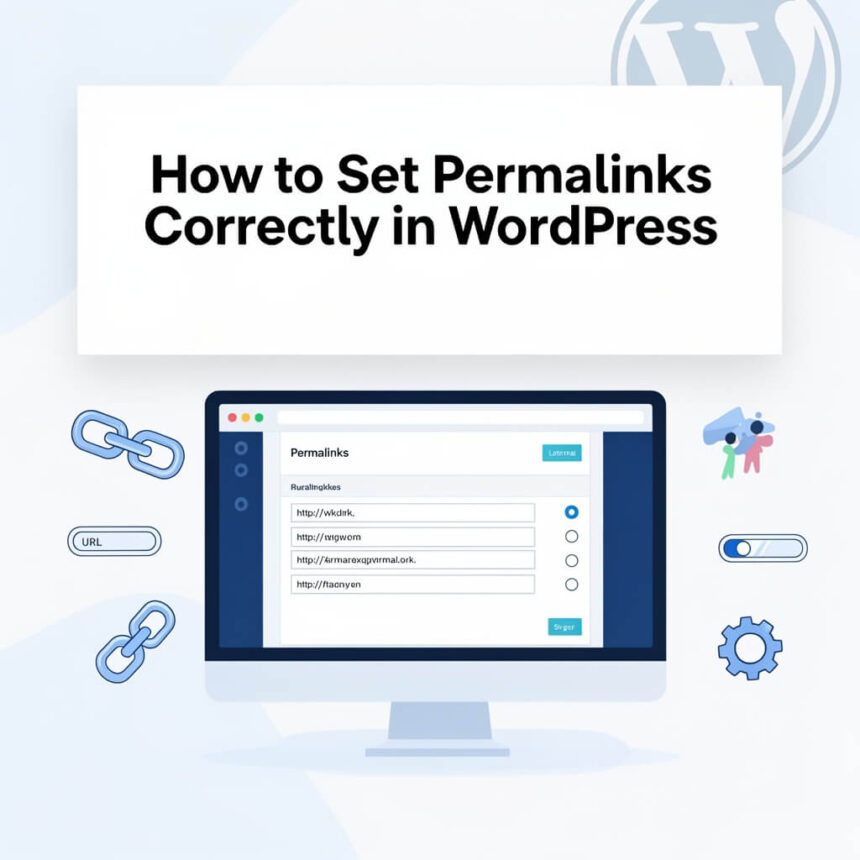

When you first launch a WordPress website, one of the most important things to get right is your permalink structure. A permalink is the permanent URL that points to your specific pages or blog posts. If these links are messy or confusing, it can make your site harder to navigate for both real people and search engines.
Setting your permalinks correctly early on can save you a lot of technical headaches later. Here is a simple guide to understanding and choosing the best settings for your site.
What are Permalinks?
A permalink is simply the web address used to link to your content. For example, a default WordPress link might look like yoursite.com/?p=123. While this works, it does not tell the visitor anything about what is on the page.
A “pretty” permalink looks like yoursite.com/how-to-bake-a-cake/. This is much better because it uses keywords that describe the content.
How to Change Your Settings
Changing your link structure in WordPress is very easy. You do not need to be a developer to do it. Just follow these steps:
- Log in to your WordPress dashboard.
- Look at the menu on the left side and hover over Settings.
- Click on Permalinks.
- Choose the structure you want to use.
- Click Save Changes at the bottom of the page.
Which Structure Should You Choose?
WordPress gives you several options. Let’s look at the most common ones:
- Plain: This uses the post ID number. It is not recommended because it provides no information to users or search engines.
- Day and Name: This includes the full date and the post title. This is often used by news sites that publish many updates every day.
- Month and Name: This is similar to the day and name option but slightly shorter.
- Numeric: This uses a number from your archives. Again, this is not very helpful for visitors.
- Post Name: This is the most popular choice for most bloggers and businesses. It creates a clean link using just your title, such as
yoursite.com/sample-post/. - Custom Structure: This allows you to create your own format using tags like category or author.
Why Post Name is Usually Best
For the majority of websites, the Post Name setting is the winner. It is short, easy to remember, and tells everyone exactly what the page is about.
Short URLs are generally easier to share on social media and look more professional in emails. Also, if you ever decide to update an old post, having a date in the URL can make the content look “old” even if the information is still fresh. By using just the post name, your content stays timeless.
A Warning About Changing Existing Links
If your website has been live for a long time and you already have many posts, be very careful before changing your permalinks.
When you change the structure, all your old links will stop working. If someone clicks a link to your site from Facebook or another blog, they will see a “404 Not Found” error. This can hurt your traffic and your reputation with search engines.
If you must change your permalinks on an established site, you should use a redirection plugin. This tool will automatically send people from the old URL to the new one so that no one gets lost.
Tips for Better Permalinks
To get the most out of your links, keep these simple tips in mind:
- Keep them short: Try to use three to five words.
- Use keywords: Include the main topic of your post in the link.
- Use hyphens: Always use hyphens to separate words. Do not use underscores or spaces.
- Remove “stop words”: You can remove small words like “a”, “the”, or “and” to make the link cleaner.
Setting your permalinks correctly is a small step that makes a huge difference. By choosing a clean, descriptive structure like Post Name, you make your site more user friendly and easier to find.




✅