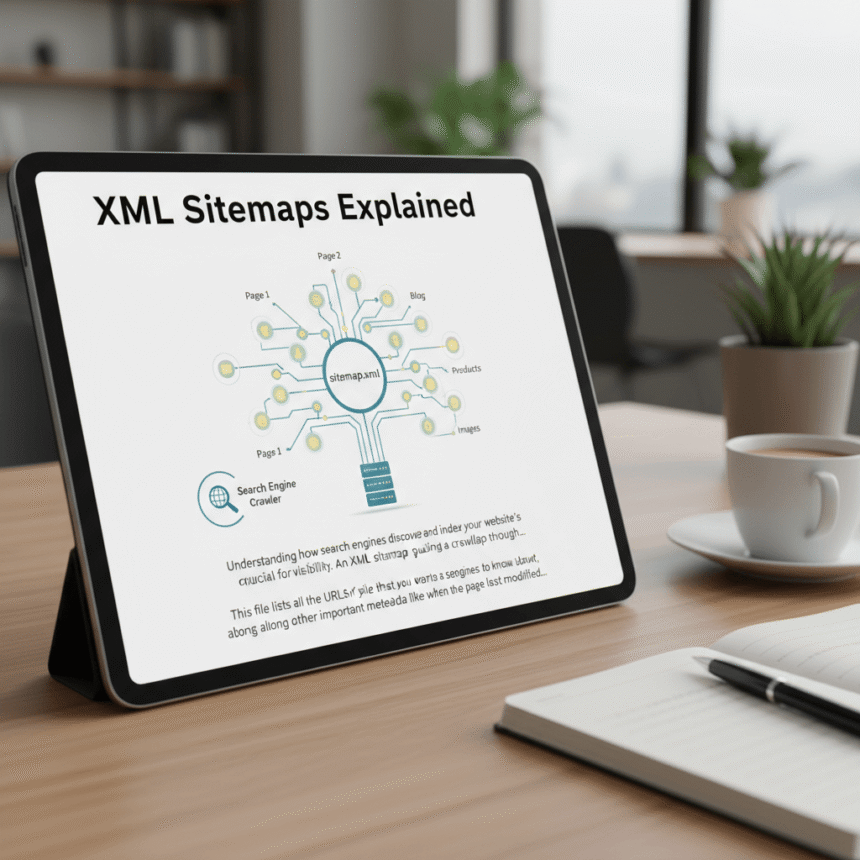

If you want your website to show up on Google, you need to make it as easy as possible for search engines to find your content. One of the best ways to do this is by using an XML sitemap.
While the name sounds technical, the concept is actually quite simple. Think of an XML sitemap as a digital map of your website that leads search engines to all your important pages.
What is an XML Sitemap?
XML stands for Extensible Markup Language. It is a way of organizing data so that computers can read it easily.
An XML sitemap is a file that lists all the important URLs (page addresses) of your website. It acts like a table of contents for search engine bots, which are also known as crawlers or spiders. Instead of hoping a crawler finds every page by clicking on links, you provide a direct list for them to follow.
Why Do You Need One?
Search engines like Google, Bing, and Yahoo use crawlers to discover content. These crawlers jump from one link to another. However, they might miss some of your pages if:
- Your website is very large.
- You have a lot of new pages or blog posts.
- Your pages are not well-linked to each other.
- Your website is brand new and has few external links pointing to it.
By having a sitemap, you are essentially giving the search engine a “heads up” about your content. This helps your pages get indexed (stored in the search engine’s database) much faster.
The Key Parts of an XML Sitemap
A basic sitemap does more than just list links. It can also provide extra information about each URL, such as:
- Last Modified: This tells the search engine when the page was last updated. If you update a blog post, this tag tells Google to come back and look at the new version.
- Change Frequency: This suggests how often the page is likely to change (daily, weekly, or monthly).
- Priority: This tells the crawler which pages are the most important on your site relative to others.
How to Create an XML Sitemap
The good news is that you do not need to be a coder to create one. Most modern website platforms make this process automatic.
Using WordPress
If you use WordPress, plugins like Yoast SEO or Rank Math create a sitemap for you automatically. You just install the plugin, and it generates a link (usually something like yourwebsite.com/sitemap_index.xml).
Using Other Platforms
Platforms like Wix, Shopify, and Squarespace build sitemaps into their system. You usually don’t have to do anything at all.
Manual Generators
If you have a custom-built site, you can use online tools called XML Sitemap Generators. You enter your URL, and the tool creates a file for you to upload to your website’s root folder.
How to Tell Search Engines About Your Sitemap
Creating the sitemap is only the first half of the job. You also need to let search engines know it exists.
The most effective way to do this is through Google Search Console. Once you log in, there is a section labeled “Sitemaps.” You simply paste the last part of your sitemap URL there and click submit. This invites Google to come and crawl your site immediately.
Common Mistakes to Avoid
- Including Broken Links: Make sure your sitemap only contains “live” pages. If a link leads to a 404 error, it wastes the crawler’s time.
- Including “Noindex” Pages: If you have told search engines to hide a certain page from the public, do not put it in your sitemap.
- Large File Sizes: Sitemaps have limits. They cannot have more than 50,000 URLs or be larger than 50MB. If your site is bigger than that, you will need to create multiple sitemaps.
Summary
An XML sitemap is a simple but powerful tool for anyone running a website. It ensures that search engines don’t miss your hard work and helps your new content show up in search results more quickly. If you haven’t checked your site for a sitemap yet, today is a great day to do it.