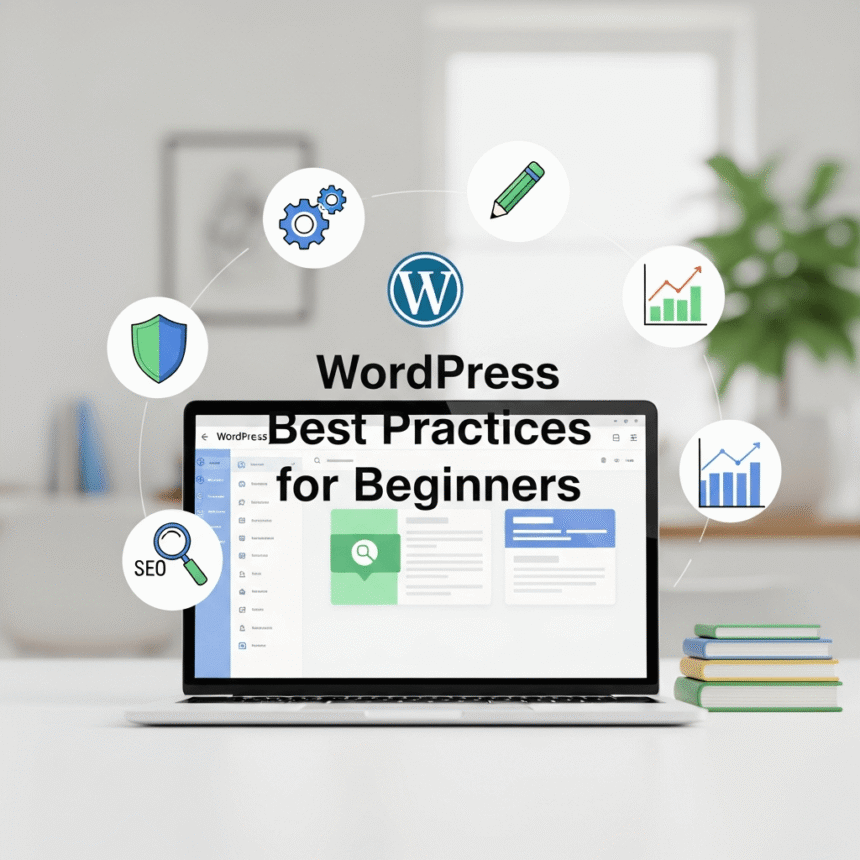

Starting a website with WordPress is an exciting journey. It is the most popular way to build a site because it is flexible and powerful. However, because there are so many options, it is easy for beginners to make mistakes that slow down their site or make it less secure.
If you want to build a solid foundation, follow these essential best practices to keep your WordPress site running smoothly.
Choose a High Quality Hosting Provider
Your hosting is the home of your website. Many beginners choose the cheapest option available, but this can lead to slow loading times and frequent crashes.
Look for a provider that offers “Managed WordPress Hosting.” These companies optimize their servers specifically for WordPress, which means better speed and automatic updates. A fast site keeps visitors happy and helps you rank better in search results.
Use a Simple and Responsive Theme
It is tempting to pick a theme with hundreds of flashy features. For a beginner, this is often a trap. Complex themes can be “bloated,” meaning they contain a lot of code that slows your site down.
When picking a theme, prioritize these three things:
- Mobile Friendliness: Most people browse the web on their phones. Your site must look good on small screens.
- Speed: Choose themes that are marketed as “lightweight.”
- Regular Updates: Ensure the developers update the theme often to fix bugs.
Limit Your Plugins
Plugins are like apps for your website. They add new features like contact forms or galleries. While plugins are helpful, having too many can cause conflicts and slow your site to a crawl.
A good rule of thumb is to only install what you absolutely need. If a plugin hasn’t been updated in over six months, look for an alternative. Always delete plugins that you are not actively using rather than just deactivating them.
Prioritize Website Security
WordPress is a target for hackers because it is so popular. You do not need to be a tech expert to protect yourself. Start with these simple steps:
- Use Strong Passwords: Avoid using “admin” as your username. Use a mix of letters, numbers, and symbols.
- Install a Security Plugin: Tools like Wordfence or Sucuri can help block malicious attacks.
- Enable Two-Factor Authentication (2FA): This requires a code from your phone to log in, making it much harder for someone to break in.
- Keep Everything Updated: When you see a notification for a WordPress core, theme, or plugin update, run it immediately. These updates often include critical security patches.
Optimize Your Images
Large image files are the biggest reason for slow websites. Before you upload a photo, make sure to resize it. You don’t need a 5MB image for a blog post.
You can use free tools to compress your images so they take up less space without losing quality. Additionally, always fill out the “Alt Text” for your images. This helps visually impaired users understand your content and helps search engines know what your photo is about.
Set Up Regular Backups
Imagine spending months on your site only for it to disappear due to a technical error. Backups are your safety net.
Check if your hosting provider offers daily backups. If they don’t, install a plugin like UpdraftPlus. Schedule your backups to run automatically and save them to a cloud service like Google Drive or Dropbox instead of keeping them on your web server.
Organize Your Permalinks
A “permalink” is the web address of your individual posts. By default, WordPress might use a link that looks like this: yoursite.com/?p=123.
This is not helpful for humans or search engines. Go to Settings > Permalinks and select the Post Name option. This changes your links to something like yoursite.com/wordpress-best-practices, which is much easier to read and share.
Use Categories and Tags Correctly
As you write more content, you need a way to organize it.
- Categories are for broad groupings of your topics (like “Tutorials” or “Reviews”).
- Tags are for specific details within a post (like “Security” or “Themes”).
Avoid over-tagging. If you have 50 tags for 10 blog posts, your site will feel cluttered. Keep your structure simple so visitors can find what they are looking for quickly.
Conclusion
Building a great WordPress site is a marathon, not a sprint. By focusing on speed, security, and organization from day one, you will avoid the common headaches that many beginners face. Keep your site lean, keep it updated, and always put your visitors’ experience first.