
Creating a WordPress website is an exciting journey. Whether you are starting a personal blog, a portfolio, or a business page, getting your foundation right is the most important step. Many people jump straight into the software without a plan, which can lead to confusion later on.
To help you get started on the right foot, here is everything you need to prepare before you hit that install button.
1. A Clear Goal and Niche
Before you touch any technical settings, you need to know why your website exists. Ask yourself these questions:
- Who is my target audience?
- What problem am I solving for them?
- What do I want visitors to do when they arrive?
Having a specific “niche” (a specialized topic) makes it much easier to stand out. If you try to talk about everything at once, you might struggle to find a loyal audience. Focus on one main area first.
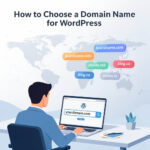
2. A Great Domain Name
Your domain name is your address on the internet. It is what people type into their browser to find you. When choosing a name, keep these tips in mind:
- Keep it short: Aim for 2 to 3 words at most.
- Make it easy to spell: Avoid using numbers or hyphens, as these often confuse people.
- Choose the right extension: While there are many options like .net or .org, a .com is still the most recognized and trusted.
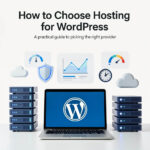
3. Reliable Web Hosting
Think of web hosting as the “land” where your website’s “house” will sit. Since WordPress is a software that needs to be installed, you need a server to store your files.
When looking for a host, prioritize these three things:
- Speed: A slow website frustrates visitors.
- Security: Look for hosts that offer free SSL certificates (the little padlock icon in the browser).
- Support: Ensure they have a good reputation for helping customers when things go wrong.
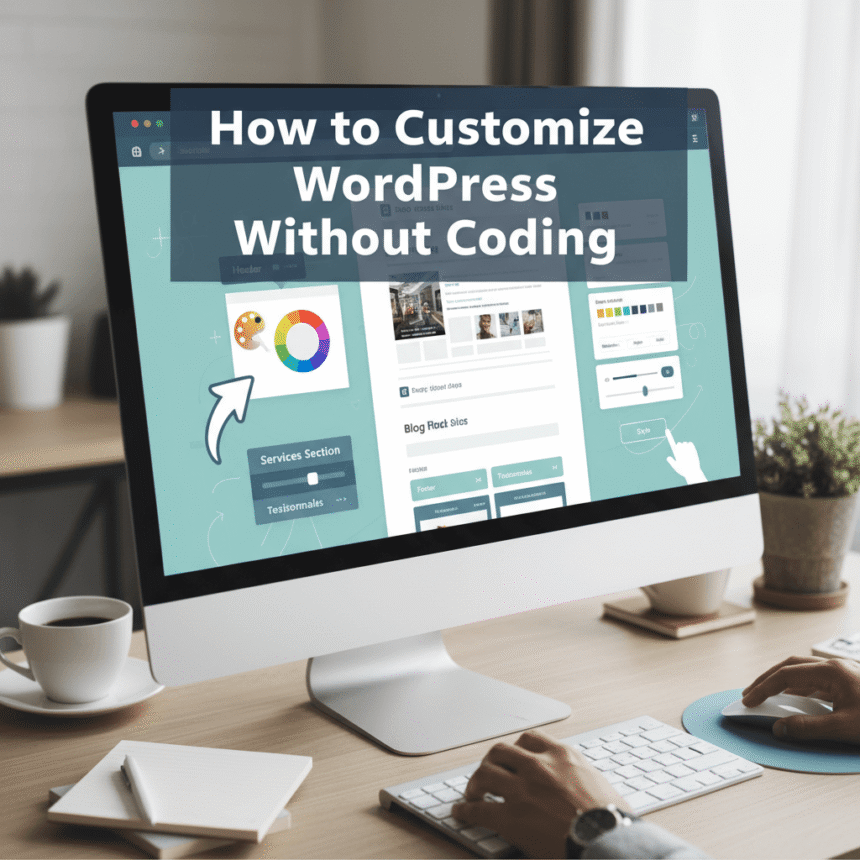
4. Brand Assets
You don’t need a massive marketing budget, but you should have a basic “look” ready. This includes:
- A Logo: This identifies your brand. You can use simple design tools to create one if you are just starting.
- Color Palette: Choose 2 or 3 main colors that you will use consistently across your site.
- Fonts: Pick one font for headings and one for body text to keep things looking professional.
5. High-Quality Content
A website without content is like a store with empty shelves. Before you launch, try to have the following pages ready:
- Home Page: A clear introduction to what you offer.
- About Page: The story behind the site and why people should trust you.
- Contact Page: A simple way for people to reach out.
- Initial Posts: If you are blogging, have at least 3 to 5 articles ready to go so your site doesn’t look empty on day one.
6. A Basic Understanding of WordPress
There are two versions of WordPress: WordPress.com and WordPress.org. For most people who want full control and professional features, WordPress.org (the self-hosted version) is the better choice.
Spend a little time watching a few tutorials to understand the difference between “Posts” and “Pages,” and how “Plugins” work. This will save you a lot of time during the setup process.
7. A Plan for Security and Backups
Security should never be an afterthought. Before you go live, you should have a plan for:
- Strong Passwords: Never use “admin” as your username.
- Backup Plugins: Tools that automatically save a copy of your site in case something breaks.
- Updates: A commitment to keeping your WordPress version and plugins updated to the latest versions.
Preparing these seven elements will make the actual creation of your website much smoother. Instead of guessing as you go, you will have a roadmap to follow, allowing you to focus on what really matters: sharing your message with the world.