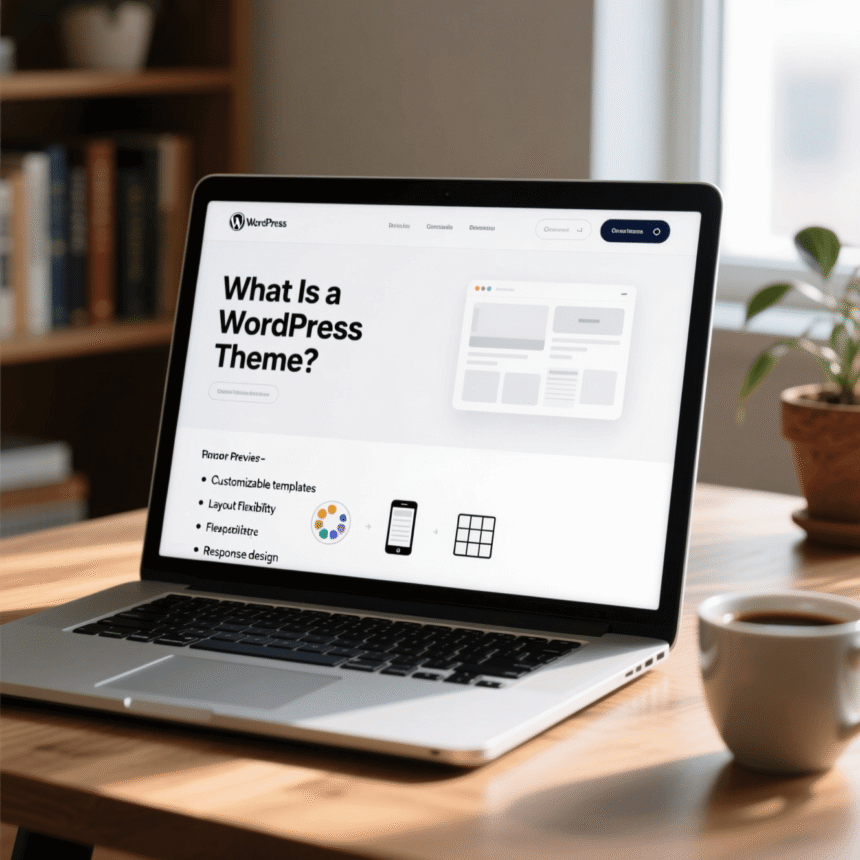

If you are thinking about starting a website or a blog, you have probably heard people talk about WordPress. It is the most popular tool in the world for building websites. But when you start using it, one of the first questions you will ask is, “What is a WordPress theme?”
In simple terms, a WordPress theme is the “skin” of your website. It controls how your site looks to your visitors. Without a theme, your website would be like a house with no paint, no siding, and no windows. The theme provides the visual style and the layout that makes your site look professional and inviting.
How a WordPress Theme Works
Think of WordPress as the engine of a car. It makes everything run and holds the important parts together. The theme, on the other hand, is the body of the car. It determines the color, the shape, the number of doors, and whether it looks like a rugged truck or a sleek sports car.
When you install a theme, it changes several key visual elements:
- The Layout: Where your text, images, and sidebars appear on the page.
- Typography: The style, size, and color of the fonts you use.
- Colors: The overall color scheme of your buttons, links, and backgrounds.
- Widget Areas: Specific spots where you can add extra features like a search bar or a list of recent posts.
The Difference Between Content and Design
One of the best things about WordPress is that it keeps your content separate from your design.
Your content includes your blog posts, your pages, and your images. These are stored in a database. Your theme is just a set of files that tells WordPress how to display that content.
This means you can change your theme at any time without losing your writing. If you decide you want a fresh look for your site next year, you can simply install a new theme. Your articles and photos will still be there, but they will instantly take on a brand-new appearance.
Free vs. Premium Themes
When you look for a theme, you will notice two main options: free themes and premium (paid) themes.
Free Themes
You can find thousands of free themes in the official WordPress.org directory. These are great for beginners because they cost nothing and are checked by experts to make sure they follow safety rules. However, they might have fewer features and less support if you run into a problem.
Premium Themes
These are themes you buy from independent developers or marketplaces. They usually cost between $30 and $100. People choose premium themes because they often come with more customization options, unique designs, and dedicated customer support to help you if things get tricky.
How to Choose the Right Theme
With so many choices, it can feel overwhelming. Here are a few simple tips to help you pick the right one:
- Keep it Simple: A theme might look beautiful with lots of animations and complex layouts, but if it is hard for your visitors to read, it isn’t a good choice.
- Mobile Friendly: Most people browse the web on their phones. Make sure your theme is “responsive,” which means it looks good on mobile devices and computers.
- Speed Matters: Some themes are “heavy” and make your site load slowly. Look for themes that mention being fast or lightweight.
- Check for Updates: You want a theme that is updated regularly. This ensures it stays secure and works with the latest version of WordPress.
Summary
A WordPress theme is the easiest way to design a website without needing to know how to write code. It gives your site its personality and helps you stand out from the crowd. Whether you choose a simple free theme or a feature-packed premium one, the right theme will make your website a place people enjoy visiting.