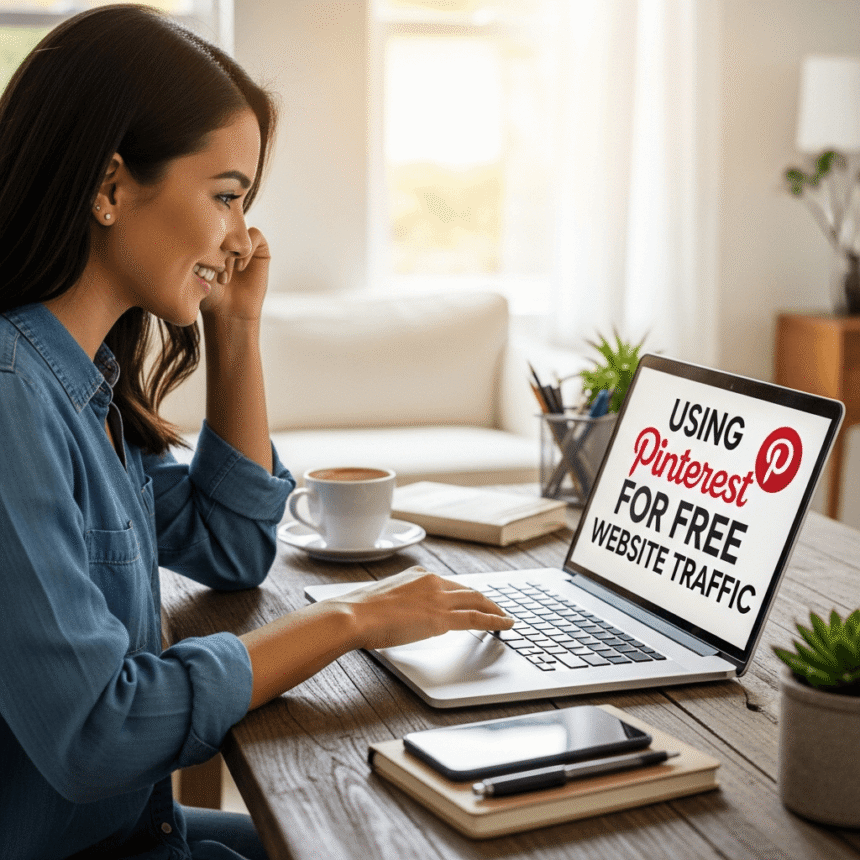

Many people think of Pinterest as just a place to find dinner recipes or home decor ideas. In reality, Pinterest is a powerful visual search engine. Unlike social media platforms where your posts disappear in hours, a single “Pin” can drive visitors to your website for months or even years.
If you want to grow your audience without spending money on ads, Pinterest is one of the best tools available. Here is how you can start using it to get free website traffic.
1. Set Up a Business Account
The first step is to create a Pinterest Business account. If you already have a personal one, you can easily convert it. A business account is essential because it gives you access to:
- Pinterest Analytics: This shows you which Pins people are clicking on.
- Rich Pins: These automatically pull extra information from your website, like your article title and author, making your Pins look more professional.
- Website Claiming: When you claim your website, Pinterest adds your profile picture to any Pin that comes from your site, which builds trust with users.
2. Master Pinterest SEO
Since Pinterest is a search engine, you need to use the right keywords so people can find you. You can find these keywords by typing a topic into the Pinterest search bar and looking at the suggestions that pop up.
Place these keywords in three main areas:
- Your Profile: Include keywords in your display name and your bio.
- Board Titles and Descriptions: Give your boards clear names like “Healthy Vegan Recipes” instead of “Good Food.”
- Pin Titles and Descriptions: Explain exactly what your link offers using natural language and 2 to 3 main keywords.
3. Design High-Quality Visuals
Pinterest is all about the eyes. If your image doesn’t look good, nobody will click it. For the best results, follow these design rules:
- Stay Vertical: Use a 2:3 aspect ratio (1000 x 1500 pixels is ideal). Square or horizontal images often get ignored.
- Use Large Text: Add a “text overlay” to your image. This is a short, bold headline that tells the user exactly what they will get when they click.
- Branding: Put your website URL or logo at the bottom of the Pin so people begin to recognize your brand.
4. Create “Fresh” Pins Regularly
The Pinterest algorithm loves new content. You don’t always have to write a new blog post to stay active. You can create 3 to 5 different Pin designs for the same article. By changing the background image or the headline, Pinterest views it as a “fresh” Pin, which helps it get more reach.
Aim to post at least one fresh Pin every day. Consistency tells the platform that you are an active creator, which improves your overall ranking.
5. Organize Your Boards
Think of your Pinterest boards as categories on your website. If you write about travel, you might have boards for “Budget Travel Tips,” “European Destinations,” and “Solo Travel Guides.”
When you save a Pin to a board that matches the topic perfectly, it helps Pinterest understand what your content is about. This makes it more likely to show your Pin to people interested in those specific topics.
6. Focus on Clicks, Not Just Saves
Getting “Saves” (formerly called Repins) is great for reach, but your goal is website traffic. To encourage clicks, use a “Call to Action” in your Pin description. Phrases like “Read the full guide here” or “Download the free checklist” remind users that there is more value waiting for them on your website.
Summary
Pinterest is a long-term game. It takes time for the algorithm to trust your account and for your Pins to gain momentum. However, once you start ranking for popular search terms, the traffic becomes passive and consistent. By focusing on high-quality visuals and smart keyword use, you can turn Pinterest into one of your largest sources of free visitors.