
If you run a website, you know that speed is everything. When a page takes too long to load, visitors leave before they even see your content. One of the biggest factors in site speed is how your server sends data to a user’s browser. This is where server-side compression and its relationship with ad loading become very important.
What is Server-Side Compression?
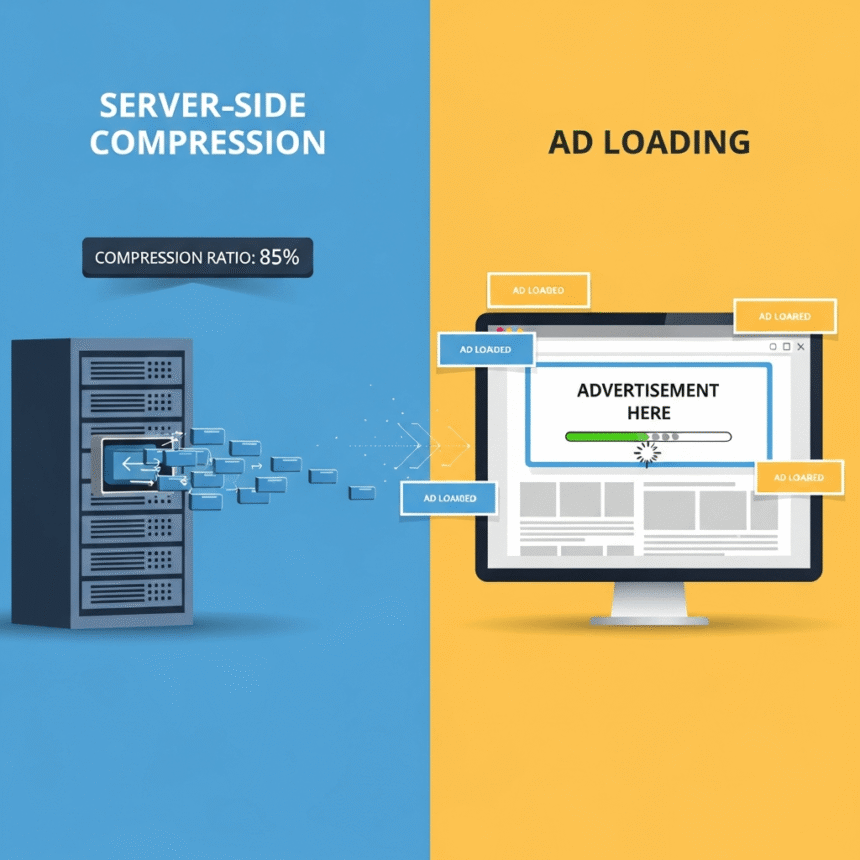
Think of server-side compression like a digital vacuum sealer. Before your server sends a webpage to a visitor, it “shrinks” the files. This makes the data much smaller, so it travels across the internet faster. Once it reaches the visitor’s computer or phone, the browser “unpacks” it so the page looks normal.
The most common types of compression are:
Gzip: The classic method used by most websites.
Brotli: A newer, more powerful method created by Google that often results in even smaller file sizes.
Why Compression Matters for Ads
Ads are often the “heavy” parts of a website. They usually involve extra scripts, images, and tracking tools. If your server is struggling to send the main content of your site, the ads will either take forever to appear or, worse, they will slow down the entire experience for the user.
When you use server-side compression effectively, you clear a faster path for everything else to load. Here is how it helps:
Lower Latency: By shrinking the size of your HTML, CSS, and JavaScript files, you reduce the time it takes for the browser to start rendering the page.
Improved Core Web Vitals: Search engines look at how fast your “Largest Contentful Paint” occurs. Compression helps you hit those targets.
Better User Experience: If the text and layout load instantly, users are more likely to stay on the page long enough for the ads to actually be seen.
The Conflict: Compression vs. Ad Scripts
There is a small catch. Most ads are served through third-party scripts. This means your server doesn’t actually “own” the ad code, so it cannot compress it directly.
However, your server does control the code that calls those ads. If your main site code is compressed and optimized, it can trigger the ad loading process much sooner. If your site code is bloated and uncompressed, the browser stays busy trying to read your text, and the ads get stuck in a “waiting room.”
Best Practices for Your Website
To get the best results, you should focus on these three areas:
Enable Brotli: If your hosting provider supports it, switch from Gzip to Brotli. It is more efficient for modern web browsers.
Minify Before Compressing: Before the server compresses the files, make sure you have “minified” your code. This means removing unnecessary spaces and comments from your files.
Prioritize Above-the-Fold Content: Ensure that the compression settings prioritize the part of the page users see first.
Final Thoughts
Server-side compression is a behind-the-scenes hero. It doesn’t change how your site looks, but it drastically changes how it feels. By shrinking your file sizes, you ensure that your site is lean and ready to handle ad scripts without crashing or lagging.