
Starting a blog or a website is an exciting journey. However, creating great content is only half the battle. To get people to actually see your work, you need to make sure search engines like Google can find and understand your pages. This process is called Search Engine Optimization, or SEO.
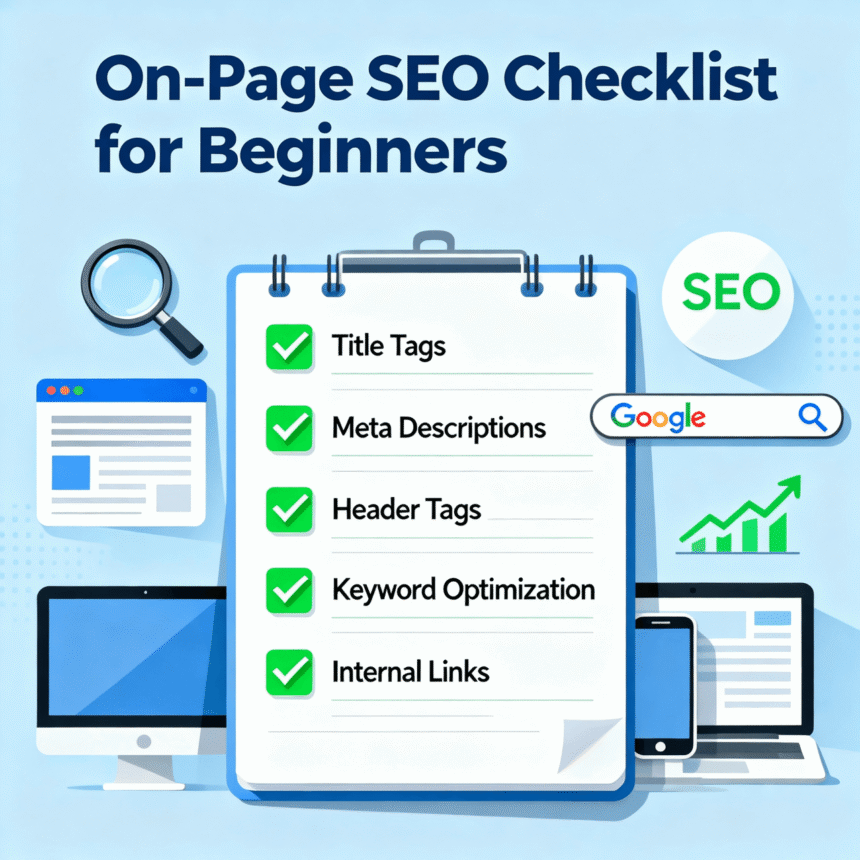
Specifically, On-Page SEO refers to the things you do directly on your website to improve its position in search results. If you are new to this, don’t worry. This simple checklist will help you optimize your posts so they have the best chance to rank higher and attract more visitors.
1. Start with a Primary Keyword
Before you write a single word, you need to know what phrase you want to rank for. This is your primary keyword. Think about what a user would type into a search bar to find your article.
- Choose one main keyword per page.
- Make sure the keyword matches the intent of the reader.
- Use the keyword naturally throughout the text.
2. Craft a Compelling Title Tag
The title tag is the clickable headline that appears in search engine results. It is one of the most important factors for SEO.
- Keep it under 60 characters so it doesn’t get cut off.
- Place your primary keyword near the beginning of the title.
- Make it “catchy” so people want to click on it.
3. Use Strategic Header Tags (H1, H2, H3)
Search engines use headers to understand the structure of your content.
- H1 Tag: This is your main title. You should only have one H1 tag per page.
- H2 and H3 Tags: Use these for subheadings to break up your text. They make the post easier to read for humans and easier to crawl for bots.
- Try to include your keyword or related terms in at least one subheading.
4. Optimize Your URL Structure
Your URL (the web address) should be clean and descriptive. Avoid long strings of numbers or random characters.
- Good URL: yoursite.com/on-page-seo-checklist
- Bad URL: yoursite.com/post-id-123456
- Keep URLs short and use hyphens to separate words.
5. Write an Engaging Meta Description
The meta description is the short summary that appears under your title in search results. While it does not directly affect rankings, it does affect whether people click on your link.
- Keep it between 150 and 160 characters.
- Include your primary keyword.
- Include a “call to action” like “Read more” or “Check out our list.”
6. Optimize Your Images with Alt Text
Search engines cannot “see” images the way humans do. They rely on Alt Text (alternative text) to understand what an image shows.
- Fill out the Alt Text field for every image you upload.
- Describe the image accurately.
- If it makes sense, include your keyword in the description.
7. Focus on Internal and External Links
Linking connects your content to the rest of the web and helps search engines navigate your site.
- Internal Links: Link to other pages on your own website. This keeps visitors on your site longer.
- External Links: Link to high-quality, trustworthy websites. This shows search engines that you have done your research.
8. Prioritize Readability and Quality
At the end of the day, search engines want to provide the best experience for their users. If your content is hard to read or full of errors, visitors will leave quickly.
- Use short paragraphs and bullet points.
- Avoid complicated jargon.
- Make sure your site loads quickly and looks good on mobile phones.
By following this checklist, you are building a strong foundation for your website. SEO takes time, so be patient and keep creating valuable content for your audience.