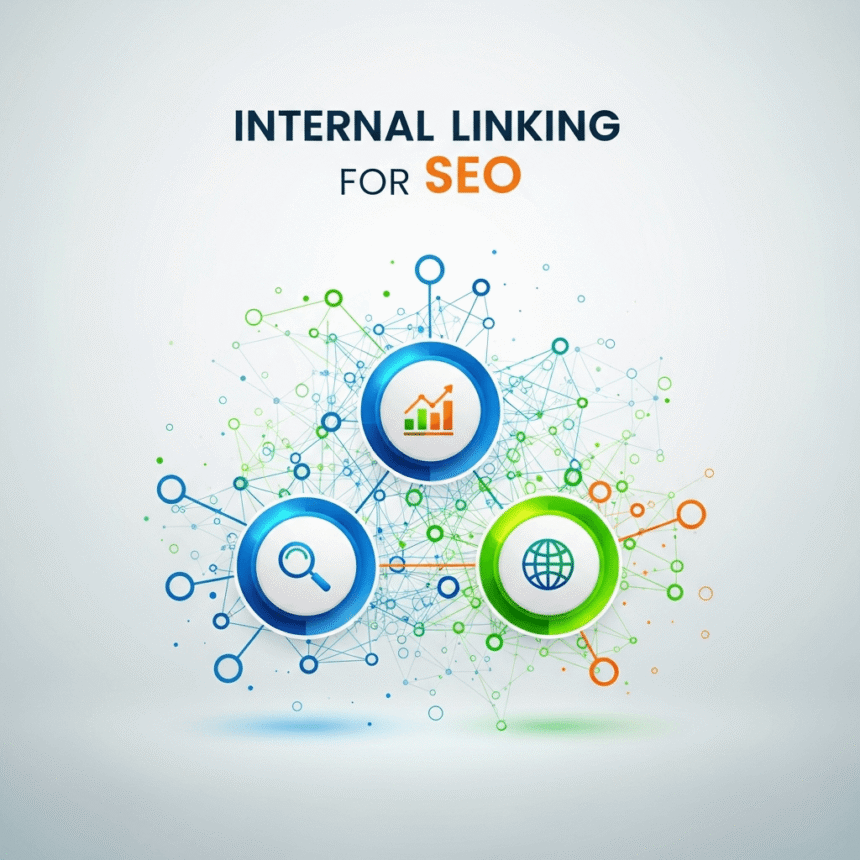

Internal linking is one of the most powerful tools in search engine optimization. It is a simple process that helps search engines understand your website better. At the same time, it makes it easier for your visitors to find the information they need.
If you want to improve your rankings and keep people on your site longer, you need a solid strategy for internal links.
What is an Internal Link?
An internal link is a hyperlink that connects one page on your website to another page on the same website. For example, if you write a blog post about healthy eating and link it to your other post about easy recipes, that is an internal link.
These are different from external links. External links point to other websites, while internal links keep the reader within your own digital home.
Why Internal Linking Matters for SEO
Search engines like Google use links to discover new content. They send out “crawlers” that follow links from one page to another. If a page has no links pointing to it, the crawler might never find it.
1. It Spreads Link Authority
Think of your website like a network of pipes. Some pages have a lot of “authority” because other websites link to them. When you link from a high authority page to a newer page, you are sharing some of that power. This helps the new page rank higher in search results.
2. It Helps Search Engines Understand Structure
Internal links act as a map for your website. They tell search engines which pages are the most important. If you link to a specific service page 50 times from different blog posts, you are telling search engines that this service page is a priority.
3. It Improves User Experience
A good internal link helps a reader learn more about a topic without having to search for it. If they are reading about “SEO basics” and see a link to “How to find keywords,” they are likely to click it. This keeps them on your site for a longer time.
Best Practices for Internal Linking
To get the most out of your links, you should follow these simple rules.
Use Descriptive Anchor Text
Anchor text is the clickable word or phrase in a link. Avoid using generic phrases like “click here” or “read more.” Instead, use keywords that describe the destination page. For example, use “guide to keyword research” so both the user and the search engine know exactly what to expect.
Link to Important Pages
Don’t just link for the sake of linking. Focus on sending traffic to your most valuable content. This might be your main service pages, your best-selling products, or your most popular blog posts.
Keep It Natural
Always write for humans first. If a link feels forced or doesn’t make sense in the context of the sentence, don’t include it. A few high quality links are much better than dozens of links that confuse the reader.
Use Follow Links
Most internal links should be “do-follow” links. This tells search engines to follow the link and pass authority to the next page. This is the default setting for most website builders, so you usually don’t have to change anything.
How to Audit Your Current Links
If you already have a lot of content, you should check your current linking structure. Look for “orphan pages.” These are pages that have no internal links pointing to them. They are almost invisible to search engines and users.
You should also look for broken links. If a link leads to a 404 error page, it creates a bad experience and can hurt your SEO. Replacing or removing these links is a quick way to improve your site health.
Conclusion
Internal linking is a long term strategy. It is not something you do once and forget about. Every time you publish a new blog post, you should look for older posts where you can add a link to the new one. You should also add links within the new post to your older, relevant content.
By building a strong web of links, you make your site easier to navigate and more likely to show up at the top of search results.