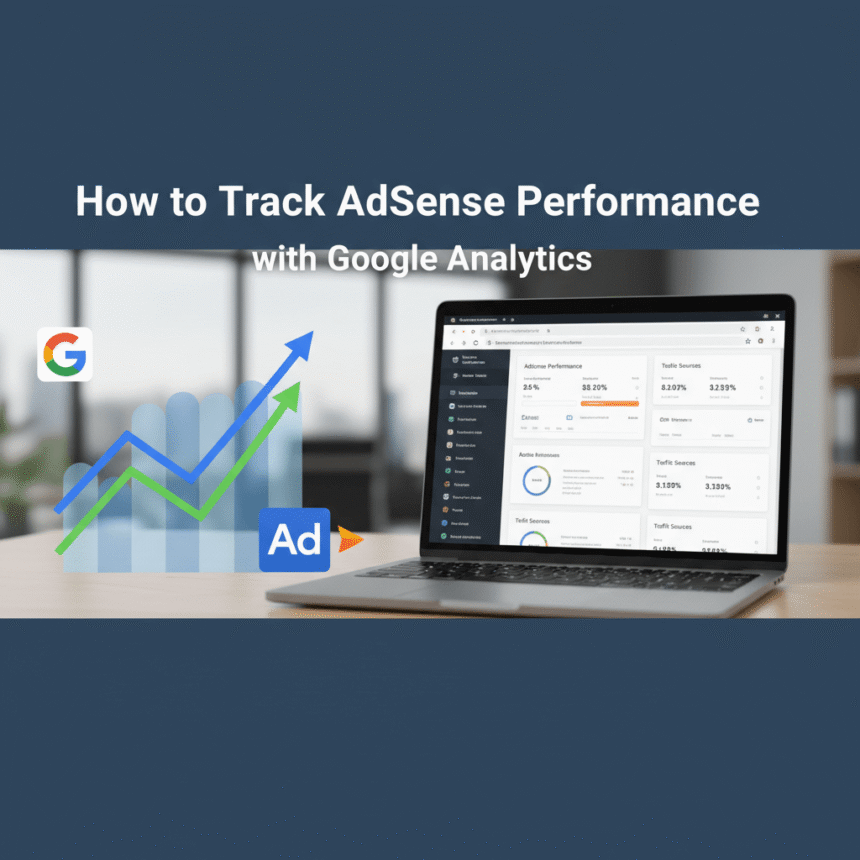

Tracking how your website earns revenue is essential for understanding which content your audience loves most. By linking your ad performance data with your visitor behavior data, you get a complete picture of your site’s health.
Here is a guide to setting up this tracking and using the data to grow your site.
Why You Should Connect Your Accounts
Standard reports tell you how much you earned yesterday, but they don’t always tell you why. When you integrate your reporting tools, you can see exactly which pages are the most valuable. This helps you:
Identify top-performing content: Learn which articles bring in the most revenue.
Understand user behavior: See if users who stay longer on a page end up being more valuable.
Improve site layout: Discover if certain page designs lead to better results.
How to Link the Accounts
The process is straightforward. You will need administrative access to both your ad account and your analytics account.
Sign in to your analytics account: Navigate to the Admin section (usually a gear icon at the bottom left).
Find Product Links: Look for the section labeled “Product Links” and select the option for your specific ad platform.
Create a New Link: Click the button to link accounts. You should see your publisher ID listed there.
Enable Data Sharing: Follow the prompts to turn on data sharing and select the web property you want to track.
Once linked, it can take up to 24 hours for data to start appearing in your reports.
Where to Find the Data
After the accounts are connected, you won’t find the data in the standard real-time reports. Instead, you need to look at your behavior or monetization reports.
The Publisher Report
This is the most important area. It shows you metrics like total revenue and impressions tied directly to specific pages. You can sort this list to see your “money pages” at the top.
Traffic Sources
You can also see which websites or social media platforms are sending you the most profitable visitors. For example, you might find that visitors from search engines are more valuable than visitors from social media.
Best Practices for Better Insights
1. Use Clean URLs
Make sure your page links are easy to read. If your URLs are just random numbers, it will be hard to tell which post is performing well in your reports.
2. Look for “Low Value” Pages
Identify pages with high traffic but very low revenue. These pages might need better ad placement or more engaging content to keep users interested.
3. Test Different Lengths
Check if your long-form guides perform better than your short news updates. This helps you decide where to spend your writing time in the future.
By regularly checking these reports, you stop guessing and start making decisions based on real numbers.