
WordPress is a fantastic platform for building a website, but simply hitting the publish button isn’t enough to get people to visit your site. If you want your content to appear at the top of search results, you need to understand Search Engine Optimization (SEO).
Here is a simple, step-by-step guide to help you optimize your WordPress posts so more people can find your work.
1. Start with Keyword Research
Before you write a single word, you need to know what people are searching for. Use tools to find “keywords” or phrases related to your topic.
Pro Tip: Look for long-tail keywords. Instead of just “pizza,” try “best homemade pepperoni pizza recipe.” These are easier to rank for because they are more specific.
2. Install an SEO Plugin
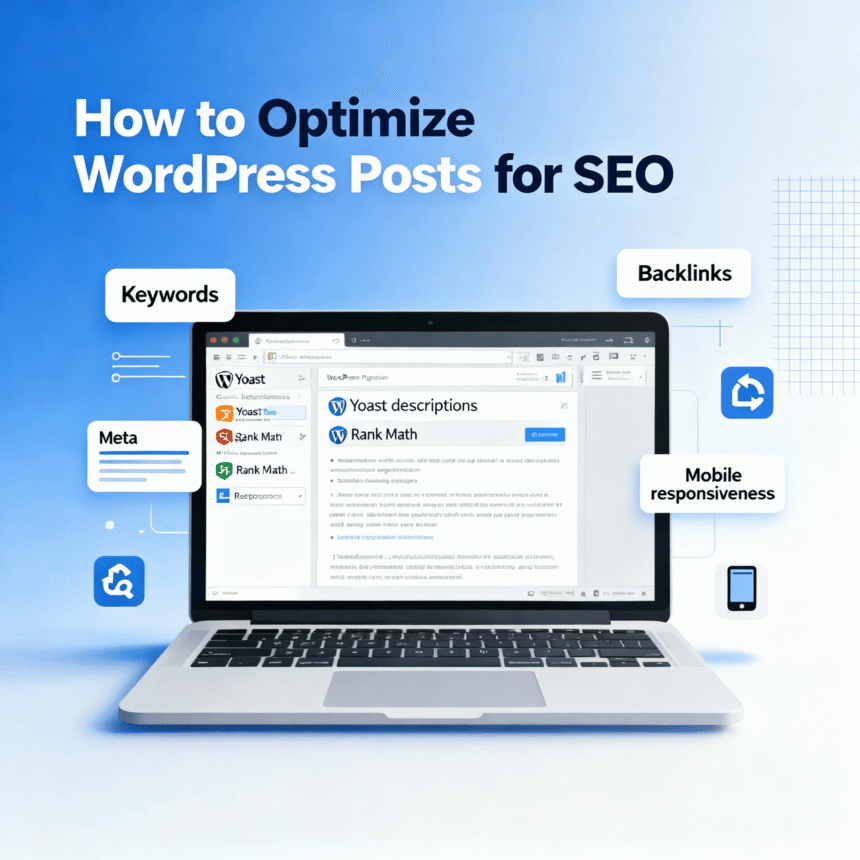
One of the best things about WordPress is plugins. Tools like Yoast SEO or Rank Math act like a personal assistant. They give you a checklist for every post, telling you if your title is too long or if you forgot to add links.
3. Craft a Compelling Title Tag
The title tag is what people see on the search results page. It should be catchy and include your main keyword near the beginning. Keep it under 60 characters so it doesn’t get cut off on mobile screens.
4. Write an Engaging Meta Description
The meta description is the short summary below your title in search results. While it doesn’t directly change your ranking, it convinces people to click. Make sure it describes exactly what the reader will learn and includes your keyword once.
5. Use Clear Headings (H2 and H3)
Search engines use headings to understand the structure of your post. Use an H1 tag for your main title (WordPress usually does this automatically). Use H2 tags for your main sections and H3 tags for sub-sections. This makes your post easier to read for both humans and bots.
6. Optimize Your Images
Large images can slow down your website, and slow sites rank poorly.
- Compress your images: Use a tool to make the file size smaller without losing quality.
- Use Alt Text: Describe what is in the image in the “Alt Text” box. This helps search engines understand the picture and assists visually impaired readers.
7. Use Internal and External Links
Links act like a web of information.
- Internal Links: Link to other posts you have written. This keeps visitors on your site longer.
- External Links: Link to high-quality, trustworthy websites. This shows search engines that you have done your research.
8. Make Your URL Short and Sweet
Instead of a URL like mysite.com/p=123, change your settings so it looks like mysite.com/optimize-wordpress-seo. A clean URL tells the reader and the search engine exactly what the page is about.
9. Focus on Quality Content
At the end of the day, search engines want to provide the best answer to a user’s question. Write clearly, answer the reader’s problems, and keep your paragraphs short. If people stay on your page and read until the end, search engines will notice and reward you with better rankings.
Summary Checklist
- Find a target keyword.
- Put the keyword in the title and first paragraph.
- Use H2 and H3 headings.
- Add Alt Text to all images.
- Link to at least two other pages on your site.
- Ensure your site loads quickly on mobile phones.
By following these steps, you give every post you write a much better chance of reaching the right audience.