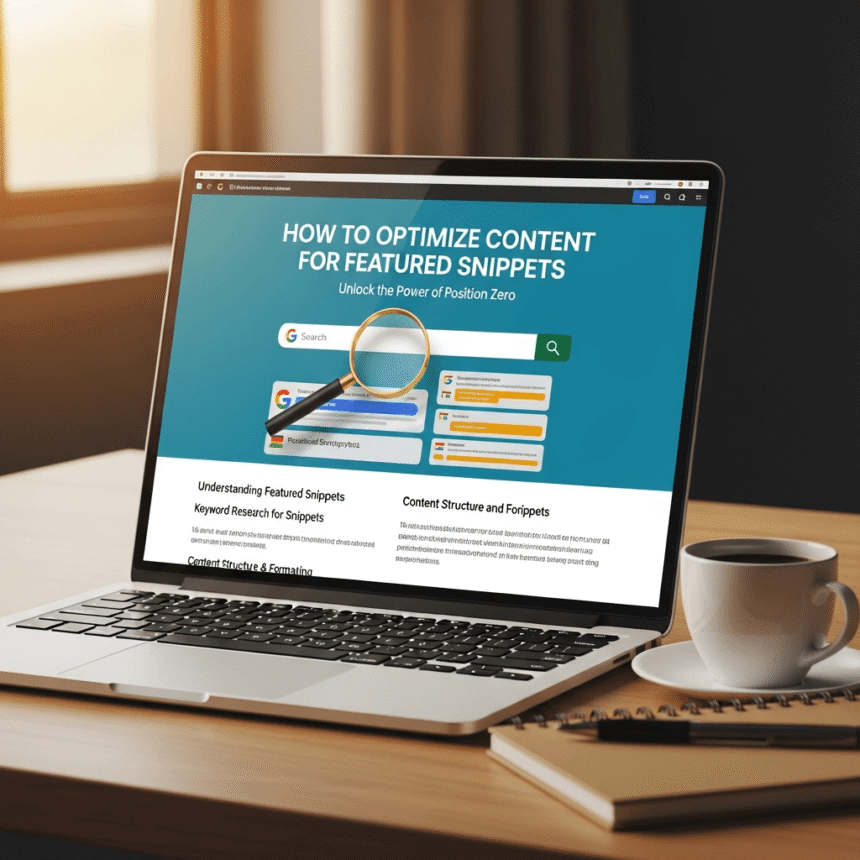

Getting your content to the very top of a search results page is the goal of every writer. You might have heard this spot called Position Zero. This is the Featured Snippet. It is the box of information that appears above the standard search results, providing a quick and direct answer to a user’s question.
Winning a Featured Snippet can significantly increase the number of people visiting your website. Here is a simple guide on how to optimize your content to claim that top spot.
Understand the Different Types of Snippets
Before you start writing, you need to know what you are aiming for. Google usually displays snippets in four main formats:
- Paragraphs: These are the most common. They provide a brief text explanation, usually answering “what,” “why,” or “who.”
- Lists: These can be numbered (for instructions or rankings) or bulleted (for general lists).
- Tables: These appear when data is being compared or presented in a structured format.
- Videos: Usually from YouTube, these show a specific clip that answers a “how-to” query.
Find the Right Keywords
Not every search query triggers a snippet. Most snippets appear for long-tail keywords or specific questions. To find these opportunities, look for:
- Question-based queries: Start with words like “How,” “What,” “Is,” or “Can.”
- Informational intent: Look for topics where people need a quick definition or a step-by-step process.
- Competitor gaps: See which of your competitors currently hold a snippet and ask yourself if you can provide a clearer, more helpful answer.
Structure Your Content for Clarity
Google’s software needs to be able to “read” your page easily to pull out the best information. Structure is the key to making this happen.
Use Clear Headings
Use Header tags (like H2 and H3) to organize your post. If you want to win a list snippet, your main points should be formatted as subheadings.
The “Snippet Bait” Method
Place a concise summary of the answer near the beginning of your article. This is often called “Snippet Bait.” For a paragraph snippet, aim for a section that is about 40 to 60 words long. It should define the topic clearly and directly.
Use Lists and Tables
If you are explaining a process, use a numbered list. If you are listing items, use bullet points. If you have data, put it in an actual HTML table rather than an image of a table. Search engines find it much easier to pull data from code than from a picture.
Answer Multiple Related Questions
People who ask one question often have follow-up questions. You can use a “People Also Ask” section in your blog post. By answering three or four related questions in one article, you increase your chances of appearing for multiple different snippets.
Keep Your Language Simple
You do not need to use complex words to look like an expert. In fact, simple language is better. Featured snippets are meant to give quick, easy-to-understand answers. Use short sentences and avoid jargon. If a middle-school student can understand your explanation, Google likely will too.
Use High-Quality Images
While the text is the most important part, having a clear, relevant image near your “Snippet Bait” can help. Sometimes Google will pair your text with an image from your page to create the snippet box. Ensure your images have descriptive “alt text” so the search engine knows what they show.
Summary Checklist
- Identify a question that people are searching for.
- Provide a direct answer in 40 to 60 words.
- Use H2 and H3 headers to organize the page.
- Use lists for steps and tables for data.
- Write in simple, clear English.
By following these steps, you make it much easier for search engines to identify your content as the best possible answer. It takes time and testing, but the boost in visitors is well worth the effort.