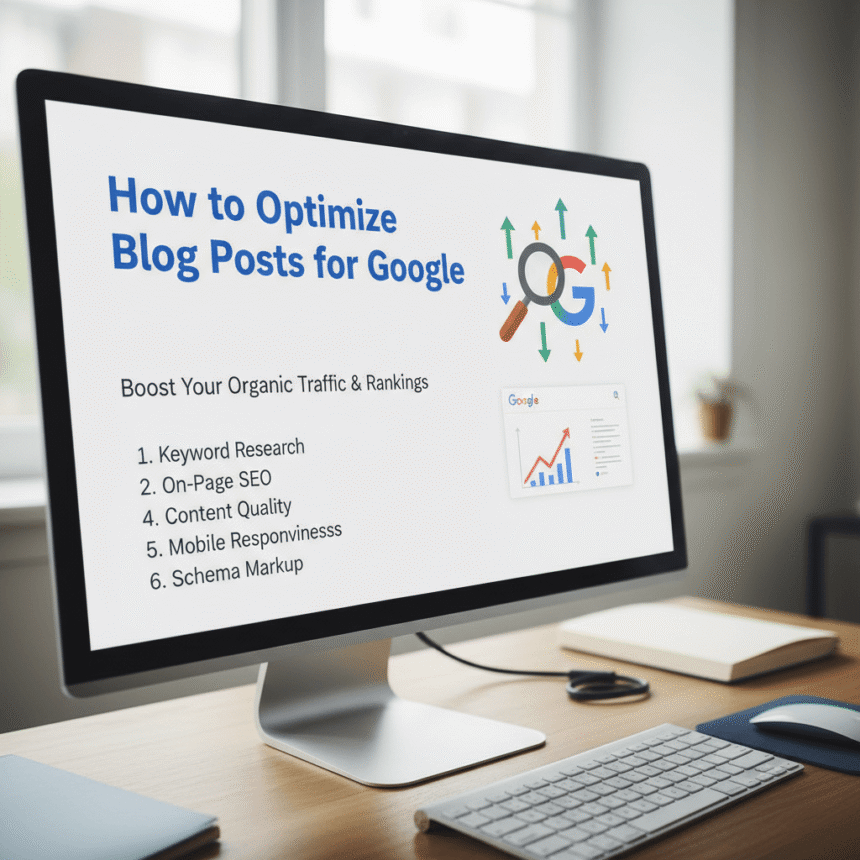

Writing a great blog post is only half the battle. If you want people to find your work, you need to make sure Google understands what your content is about. This process is called Search Engine Optimization, or SEO.
You do not need to be a tech genius to rank well. By following a few simple steps, you can make your posts more visible and attractive to readers. Here is how to optimize your blog posts for Google.
1. Start with Keyword Research
Before you write a single word, you need to know what people are searching for. Keywords are the phrases users type into a search bar.
Find your main topic: Pick one primary keyword that describes your post.
Use long-tail keywords: These are longer phrases, like “how to cook pasta for beginners.” They are easier to rank for because they are specific.
Think like a human: Choose words that your audience actually uses, not just formal jargon.
2. Place Your Keywords Wisely
Once you have your keywords, you need to put them where Google looks first. However, do not overdo it. Using a keyword too many times is called “keyword stuffing,” and Google might penalize you for it.
Aim to include your main keyword in these spots:
The title of the post.
At least one subheader.
The first 100 words of your content.
The meta description (the short summary that appears in search results).
3. Write for Humans First
Google’s main goal is to provide helpful answers to users. If your writing is hard to read or provides no value, people will leave your site quickly. When readers leave fast, Google thinks your page isn’t useful.
Keep your sentences short. Use bullet points to break up big chunks of text. Most importantly, make sure you actually answer the question your title promises to solve.
4. Optimize Your Images
Google cannot “see” images the same way we do. It reads the text attached to them.
Alt Text: This is a short description of the image. It helps Google understand the picture and makes your site accessible for people with visual impairments.
File Size: Large images make your page load slowly. Use tools to shrink the file size before uploading.
5. Use Internal and External Links
Linking is like giving Google a map of the internet.
Internal Links: Link to other posts on your own website. This keeps readers on your site longer.
External Links: Link to high-quality, trusted websites. This shows Google that you have done your research.
6. Make It Mobile Friendly
Most people browse the internet on their phones. If your blog looks messy or is hard to navigate on a mobile screen, your ranking will suffer. Use a responsive design that automatically adjusts to any device.
Summary
Optimizing for Google is about being clear, helpful, and organized. If you focus on providing the best possible experience for your readers, the search engine rankings will naturally follow.