
Imagine you have just opened a beautiful physical store. You have stocked the shelves, decorated the windows, and invited everyone you know. But then, without you knowing, the front door lock jams. Customers try to enter, find it closed, and leave for the shop across the street.
In the digital world, this happens every time a website goes down. Website uptime is the measure of how often your site is online and available to visitors. If your site is “down,” you are losing more than just visitors; you are losing trust and potential sales.
Here is a simple guide on how to monitor your website uptime so you never have to wonder if your digital front door is open.
What is Website Uptime Monitoring?
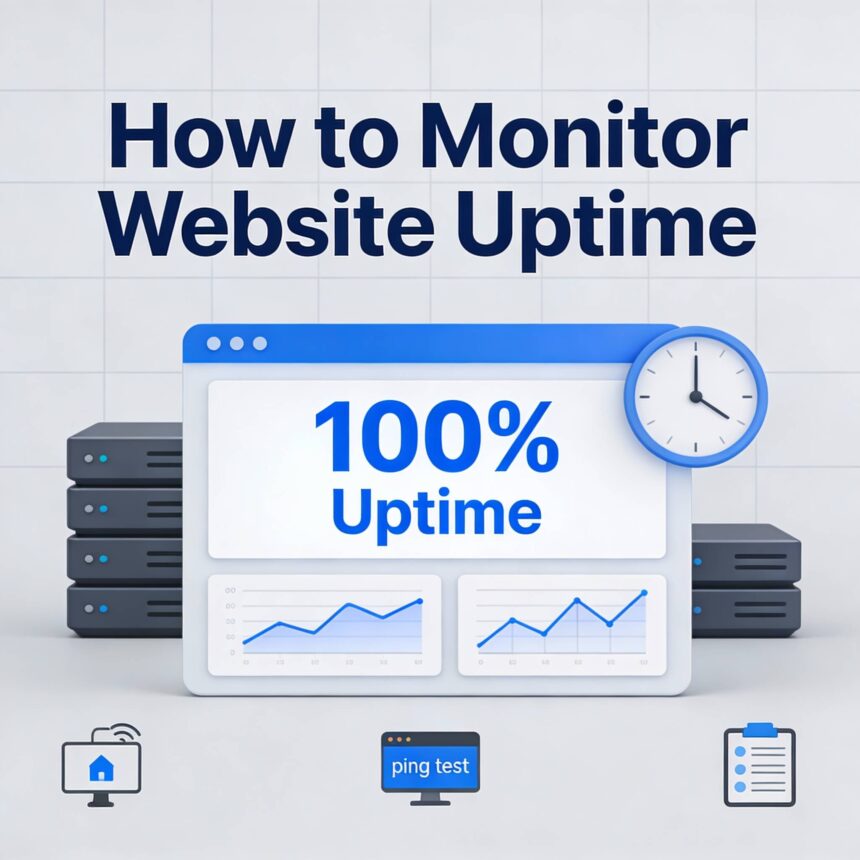
Uptime monitoring is an automated process that checks your website at regular intervals (like every minute or every five minutes) to see if it is working.
Think of it like a friendly robot that visits your site from different parts of the world. This robot tries to load your page and reports back: “Yes, it’s working!” or “No, there is an error!” If the robot finds an error, it immediately sends you an alert via email, text, or a phone call.
Why You Should Not Do It Manually
Many people think they can just check their site themselves. However, manual checking has three big flaws:
- You cannot be there 24/7: Your site could go down at 3:00 AM while you are sleeping.
- Location matters: Your site might work perfectly for you in London but be completely broken for a customer in New York due to a local server issue.
- False confidence: Just because the homepage loads doesn’t mean the “Buy” button or the “Contact” form is working.
Step-by-Step: How to Set Up Monitoring
Setting up professional monitoring is easier than you might think. Most services follow these basic steps:
1. Choose a Monitoring Tool
There are many tools available, and many of them offer a free version that is perfect for small websites or personal blogs. Popular choices in 2026 include:
- UptimeRobot: Very popular for beginners because it offers up to 50 monitors for free.
- Better Stack: Great if you want detailed reports and “heartbeat” monitoring.
- StatusCake: Known for being very user friendly and offering global testing locations.
2. Add Your Website URL
Once you create an account, you simply click “Add New Monitor.” You will enter your website address (e.g., https://www.yourwebsite.com).
3. Select the “Check Interval”
This is how often the tool will check your site.
- 5 Minutes: Standard for free plans and usually enough for most small sites.
- 1 Minute: Better for online stores where every minute matters.
- 30 Seconds: Professional level for high traffic sites.
4. Set Up Your Alerts
This is the most important part. You need to decide how you want to be notified.
- Email: Best for non-urgent sites.
- Push Notifications: Great if you have the monitoring app on your phone.
- SMS or Voice Call: Recommended if your website is your main source of income, as these are harder to ignore.
Beyond the Basics: What Else to Monitor?
While “Is the site up?” is the main question, advanced monitoring can tell you even more:
- Response Time: Is your site getting slower? If a page takes 10 seconds to load, visitors might leave even if the site is technically “up.”
- SSL Certificate Expiry: Your site uses an SSL certificate to stay secure (the little padlock icon). If this expires, browsers will show a “Your connection is not private” warning, which scares away visitors.
- Domain Expiry: Monitoring tools can remind you when it is time to renew your website name so you don’t lose it to someone else.
What to Do When You Get an Alert
Don’t panic! Sometimes a site goes down for just a few seconds. This is called a “blip.”
If the site stays down, the first step is to check with your web hosting provider. Most of the time, the issue is on their end, and they are already working to fix it. If you have a monitoring tool, you can send them the exact time the site went down, which helps them solve the problem faster.
Monitoring your website uptime is one of the simplest and most effective things you can do to protect your online presence. It gives you peace of mind, knowing that if something goes wrong, you will be the first to know.