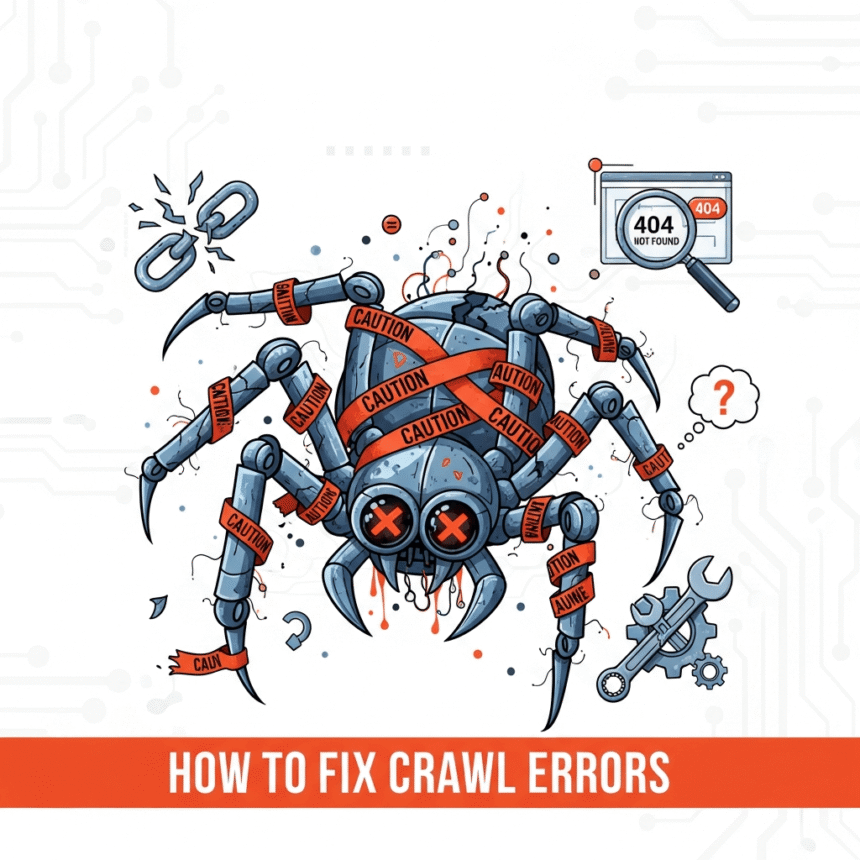

If you want your website to show up on search engines, you need to make sure search engine bots can actually read your pages. This process is called crawling. When a bot tries to visit your site but fails, it creates a crawl error.
Think of it like this: if your website is a house and the search engine is a guest, a crawl error is like a locked door or a broken bridge. If they can’t get in, they can’t tell the rest of the world what is inside. Fixing these errors is one of the most important steps in technical SEO.
What is a Crawl Error?
A crawl error happens when a search engine tries to reach a page on your website but cannot finish the request. There are generally two types of errors you will encounter:
- Site-level errors: These mean the bot cannot reach your website at all. This is usually a problem with your server or DNS.
- URL-level errors: These happen when the bot can reach your site, but specific pages are broken or missing.
Step 1: Find the Errors
Before you can fix anything, you need to see what is broken. The best tool for this is Google Search Console.
- Log in to your account.
- Go to the Indexing section.
- Click on Pages.
- Scroll down to the section that says Why pages aren’t indexed.
This list will show you exactly which URLs are having trouble and why.
Step 2: Fix Common URL Errors
URL errors are the most frequent issues. Here are the most common ones and how to handle them:
404 Not Found
This is the most famous error. It happens when a page has been deleted or the URL has changed, but other sites are still linking to the old address.
- The Fix: If the page moved, use a 301 redirect to send visitors to the new URL. If the page is gone forever, redirect it to the most relevant category page or your homepage.
Soft 404
A soft 404 happens when a page is empty or thin, but your server tells the search engine the page is fine. This confuses bots.
- The Fix: Add real content to the page or properly delete it so it returns a real 404 code.
Access Denied (403)
This means the search engine bot is being blocked from seeing the page.
- The Fix: Check your robots.txt file to see if you are accidentally blocking search engines. Also, check your hosting settings to ensure you aren’t blocking specific IP addresses that search engines use.
Step 3: Solve Site-Level Issues
If you see a lot of “Server Error (5xx)” messages, the problem is bigger than a single page. This means your website’s home (the server) is struggling.
- Check your hosting: If your site gets too much traffic and your hosting plan is weak, the server might crash. You might need to upgrade your plan.
- Look at your plugins: On platforms like WordPress, a broken plugin can sometimes crash the whole site. Try deactivating recently updated plugins to see if the errors go away.
- DNS Issues: If your domain name isn’t correctly pointed to your server, search engines won’t find you. Check with your domain provider to ensure your DNS settings are active.
Step 4: Check Your Robots.txt File
The robots.txt file is a small text file on your server that tells bots where they are allowed to go. Sometimes, a simple typo in this file can “hide” your entire website from search engines.
Make sure you don’t have a command like Disallow: / in your file unless you want your whole site to be invisible. You can test your file using various online “Robots Testing” tools to ensure it is working correctly.
Step 5: Update Your Sitemap
Once you have fixed your 404 errors and redirected your old links, you need to tell search engines that the “map” of your site has changed.
Go back to Google Search Console and resubmit your XML Sitemap. This encourages the bots to come back and re-crawl your pages to see the fixes you have made.
Why You Should Care
Fixing crawl errors helps your website in two major ways. First, it ensures that all your hard work and content can actually be found by users. Second, it saves your “crawl budget.” Search engines only spend a certain amount of time on your site. If they spend all that time hitting broken links, they might leave before they find your newest, best content.
Regularly checking for these errors once a month is a great habit to keep your website healthy and visible.