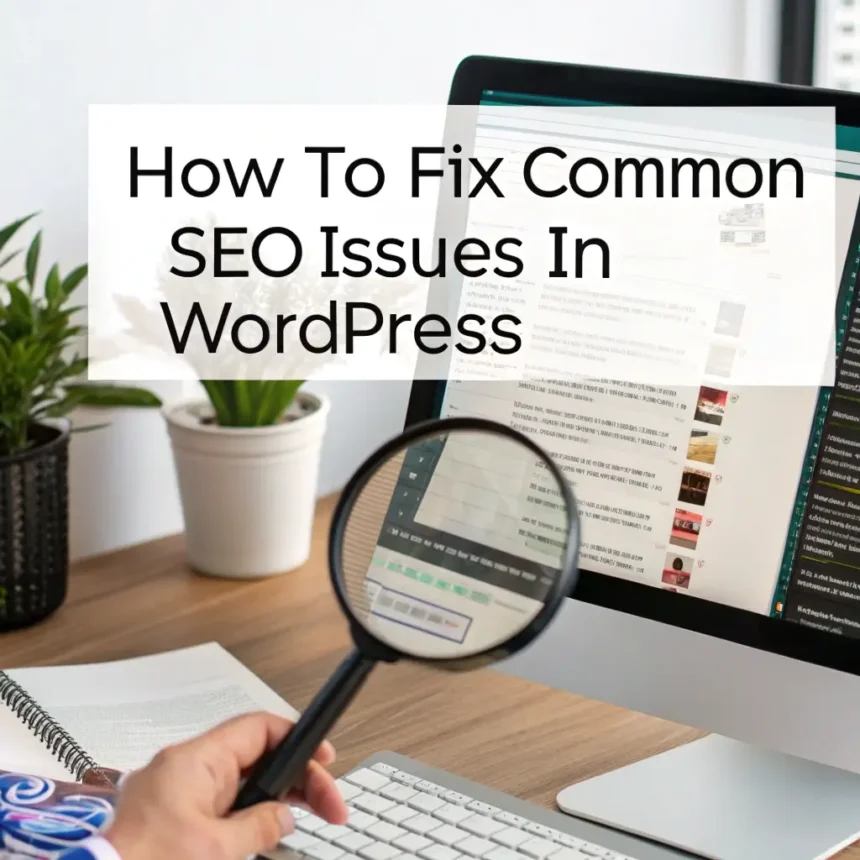

WordPress is a fantastic platform for building websites, but it doesn’t always come perfectly optimized right out of the box. Even if you have great content, small technical errors can prevent your site from showing up on search engines.
If you feel like your traffic has stalled, it might be due to a few common hurdles. Here is how you can identify and fix them to improve your rankings.
1. Check Your Visibility Settings
It sounds simple, but many site owners accidentally leave a “digital curtain” drawn over their site. WordPress has a built-in setting that tells search engines not to index your pages. This is often used during development but forgotten once the site goes live.
- The Fix: Go to Settings, then Reading. Scroll down to Search Engine Visibility. Make sure the box that says “Discourage search engines from indexing this site” is unchecked.
2. Optimize Your Permalink Structure
A “permalink” is the permanent URL of your individual posts and pages. By default, WordPress might use a structure that includes dates or random numbers. These are not helpful for users or search engines.
- The Fix: Go to Settings, then Permalinks. Select the Post Name option. This makes your URLs clean and descriptive. For example, instead of
mysite.com/?p=123, your link will look likemysite.com/how-to-fix-seo.
3. Fix Slow Loading Speeds
Search engines prioritize websites that load quickly. If your WordPress site is bogged down by large images or too many plugins, your ranking will suffer.
- The Fix: * Compress Images: Use a plugin or an online tool to reduce image file sizes before uploading them.
- Use Caching: Install a caching plugin. This creates a “static” version of your site so your server doesn’t have to work as hard every time someone visits.
- Cleanup Plugins: Delete any plugins that you are not actively using.
4. Manage Your Sitemap
A sitemap is a file that lists all your important pages. It acts like a map for search engine bots so they can find your content easily. If you don’t have one, some of your pages might never be discovered.
- The Fix: The easiest way to handle this is by using an SEO plugin like Yoast or Rank Math. These tools automatically generate a sitemap for you. Once generated, you should submit the link to your sitemap in your Google Search Console account.
5. Address Broken Links
Broken links lead to “404 Not Found” errors. These are frustrating for visitors and signal to search engines that your site might be outdated or poorly maintained.
- The Fix: Use a “Broken Link Checker” tool to scan your site. Once you find a dead link, either update it to the correct URL or remove it entirely. If you have deleted a page that used to get traffic, use a redirection plugin to send those visitors to a new, relevant page.
6. Improve Mobile Responsiveness
Most people browse the web on their phones. If your WordPress theme is not “responsive,” meaning it doesn’t look good on a small screen, your SEO will drop.
- The Fix: Check your site on your own phone. If buttons are hard to click or text is too small, you may need to update your theme. Most modern WordPress themes are mobile-friendly, but always double-check the settings in your “Customizer” menu.
7. Use Categories and Tags Correctly
WordPress allows you to organize posts using categories and tags. However, if you use too many tags or create empty categories, it can lead to “duplicate content” issues.
- The Fix: Keep it simple. Use categories for broad topics and tags for specific details. Avoid giving a post 20 different tags. This keeps your site structure clean and easy for search engines to understand.
By spending just an hour or two fixing these common WordPress issues, you create a much stronger foundation for your content. When the technical side of your site is healthy, your high-quality posts have a much better chance of reaching the front page.