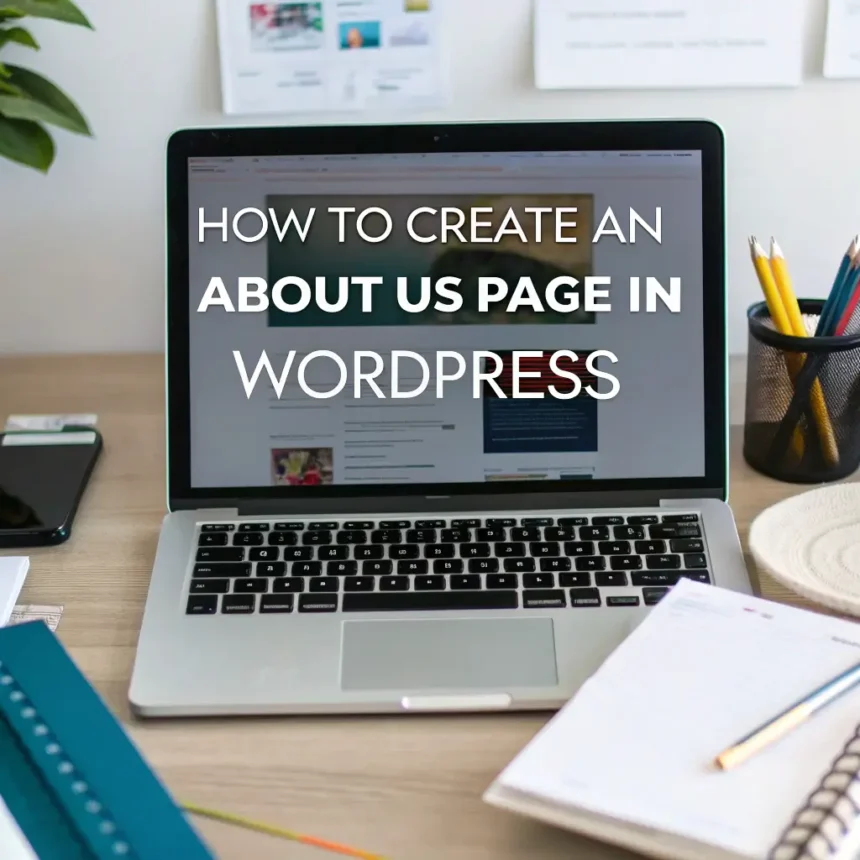

Creating an “About Us” page is one of the most important tasks for any website owner. While it might seem like a simple page to write, it is often the second most visited page on a website after the homepage. It is where your readers go to find out if they can trust you.
In this guide, we will walk through the steps to create an effective and professional “About Us” page using WordPress.
Why Your About Us Page Matters
Before we dive into the technical steps, it is important to understand what this page does for your brand. A great “About Us” page helps you:
- Build Trust: People want to know who is behind the screen.
- Show Personality: It gives your brand a human voice.
- Explain Your Mission: It tells people why you started the site and what problems you solve for them.
Step 1: Draft Your Content
Don’t start by clicking buttons in WordPress. Start by writing your story. A good page should answer these three questions:
- Who are you? Introduce yourself or your team.
- What do you do? Explain the main topic of your website.
- Why should the reader care? Tell them how your content or products will help them.
Keep your language simple. You don’t need to use big words to sound professional. Being clear and honest is much more effective.
Step 2: Create the Page in WordPress
Now that you have your text ready, it is time to put it on your site.
- Log in to your WordPress Dashboard.
- Go to Pages in the left-hand menu and click Add New.
- Enter the title: How to Create an About Us Page in WordPress. (Note: You can name the page “About Us” for your navigation menu, but for this exercise, we are using the full title).
Step 3: Design the Layout
WordPress uses a system called the Block Editor (Gutenberg). This makes it very easy to add different types of content.
- Text Blocks: Use these for your story. Break long paragraphs into smaller ones to make them easier to read.
- Headings: Use Heading blocks to organize the page. For example, use a heading for “Our Story” and another for “Our Team.”
- Images: Adding a photo of yourself or your office makes the page feel more personal. Use the Image block to upload your files.
- Call to Action: At the end of the page, tell your visitors what to do next. This could be a link to your contact page or a sign-up form for your newsletter.
Step 4: Add a Contact Form
An “About Us” page is a great place to let people reach out to you. You can install a plugin like WPForms or Contact Form 7. Once the plugin is installed, you can drop a contact form block right onto your page. This makes it easy for potential partners or customers to get in touch without searching for your email address.
Step 5: Optimize for Search Engines
To help more people find your site, you should pay attention to a few simple settings:
- Permalink: Make sure the URL is simple, like yoursite.com/about-us.
- Featured Image: Set a featured image that represents your brand.
- Meta Description: Write a short summary (150 characters) that describes what the page is about. This is what people will see when they find you on a search engine.
Step 6: Publish and Link
Once you are happy with how everything looks, click the Publish button at the top right of the screen.
The final step is to make sure people can find the page. Go to Appearance > Menus and add your new “About Us” page to your main navigation menu. Most visitors look for this link at the top or the very bottom of a website.
Final Tips for Success
- Keep it updated: If your team grows or your goals change, update the page.
- Be authentic: Don’t try to sound like a giant corporation if you are a one-person blog. People appreciate the personal touch.
- Check for errors: Always proofread for spelling or grammar mistakes before hitting publish.
Creating an “About Us” page in WordPress is a simple process that can have a huge impact on how your audience views your brand. By following these steps, you will create a page that builds a real connection with your visitors.