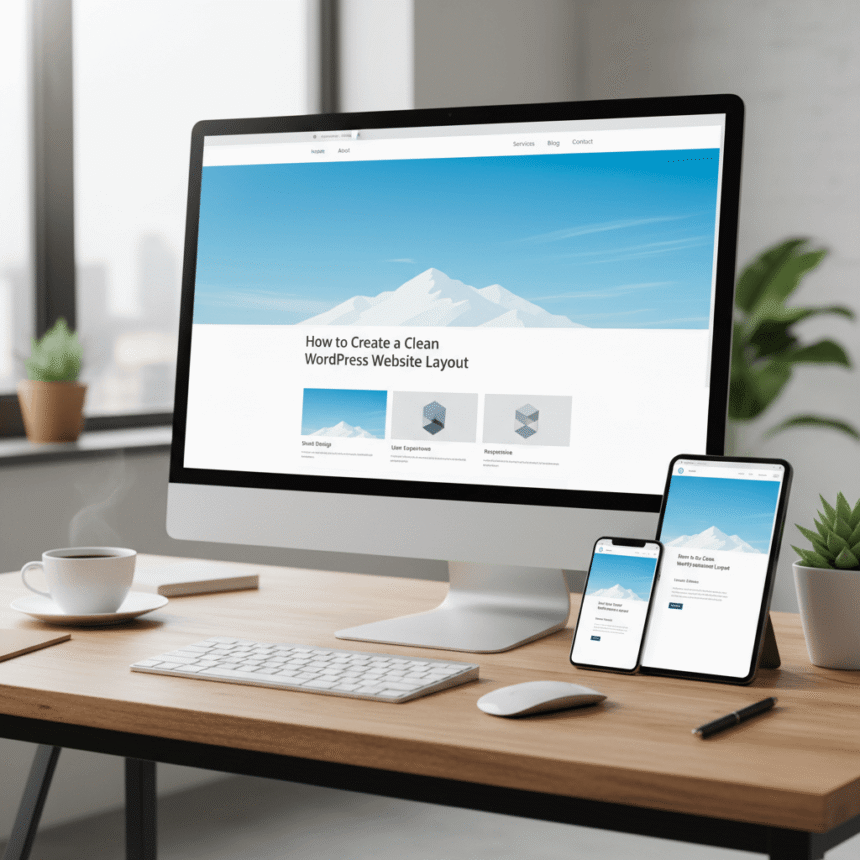

A clean website layout is like a well-organized room. It feels open, easy to breathe in, and allows people to find exactly what they need without getting lost. When your WordPress site is cluttered, visitors often leave because they feel overwhelmed.
Creating a clean design does not mean your site has to be boring. It means every element on the page has a clear purpose. Here is how you can build a professional, clean layout for your WordPress site.
1. Choose the Right Theme
Your journey starts with your theme. Many themes come with too many features that slow down your site and clutter the screen. Look for “minimalist” WordPress themes.
- Look for White Space: A good theme uses plenty of white space. This is the empty area between images and text. It helps the eyes rest.
- Check for Speed: Lightweight themes usually have cleaner code, which makes your layout feel smoother.
- Responsiveness: Ensure the theme looks just as clean on a phone as it does on a computer.
2. Simplify Your Navigation Menu
The menu is the map of your website. If you have twenty different links in your header, your visitors will get confused.
To keep it clean, limit your main menu to five or seven items. Use descriptive labels like “About,” “Services,” and “Contact.” If you have many pages, use a “Mega Menu” or a footer menu for the less important links. This keeps the top of your site looking tidy.
3. Focus on Typography
Text is a huge part of your design. If you use five different fonts, your site will look messy.
- Stick to Two Fonts: Use one font for your headings and another for your body text.
- Pick Readable Fonts: Sans-serif fonts like Montserrat, Open Sans, or Lato are popular for clean designs because they are easy to read on screens.
- Size Matters: Make sure your body text is large enough to read without straining. Usually, 16px to 18px is a good standard.
4. Use High-Quality Imagery
A single beautiful image is better than ten low-quality ones. In a clean layout, images should act as focal points.
Avoid using “cheesy” stock photos. Instead, use authentic photos or clean illustrations that match your brand colors. Make sure your images are optimized so they do not slow down your page loading times.
5. Declutter the Sidebar
For a long time, every WordPress site had a sidebar full of calendars, tag clouds, and recent comments. In modern, clean design, sidebars are often removed entirely.
If you must use a sidebar, keep it simple. Only include things that truly help the user, such as a search bar or a “Start Here” link. If an element doesn’t help the visitor finish a task, remove it.
6. Use Consistent Spacing
Consistency is the secret to a professional look. If the gap between your header and your text is 50 pixels, try to keep that same spacing throughout the site.
WordPress block editors make this easy with “Spacer” blocks. Using consistent padding and margins ensures that nothing looks cramped or accidentally pushed together.
7. Create a Clear Call to Action (CTA)
A clean layout should lead the visitor toward a specific goal. Whether you want them to sign up for a newsletter or buy a product, your CTA should stand out.
Use a bold color for your CTA button that contrasts with the rest of your site. Because the rest of your layout is clean and simple, that button will naturally grab the visitor’s attention.
Summary
Building a clean WordPress website is about making choices. It is about deciding what is important enough to stay on the screen and what can be removed. By focusing on white space, simple menus, and great typography, you create a space where visitors want to spend their time.