
Choosing a WordPress theme is one of the most exciting parts of starting a website. It is like picking the outfit for your business or blog. However, with thousands of options available, it is easy to get overwhelmed by flashy designs and endless features.
The right theme does more than just look good. It affects how fast your site loads, how well it shows up in search results, and how easy it is for people to use on their phones.
Here is a simple guide to help you choose the best WordPress theme for your needs.
1. Know Your Website’s Purpose
Before looking at colors, ask yourself what your website is for. A photography portfolio needs big, beautiful image galleries. A news site needs a clean layout for reading lots of text. An online store needs to work perfectly with shopping carts.
If you choose a theme made specifically for your niche, it will likely come with the features you need already built in.
2. Prioritize Simplicity
It is tempting to pick a theme with lots of animations, complex layouts, and every feature imaginable. However, “less is more” in web design. A simple design helps visitors find what they need without getting confused.
A “bloated” theme with too many features you don’t use can also slow down your website. Speed is important because people usually leave a site if it takes more than a few seconds to load.
3. Make Sure It Is Responsive
A “responsive” theme is one that automatically changes its layout to look good on any device.
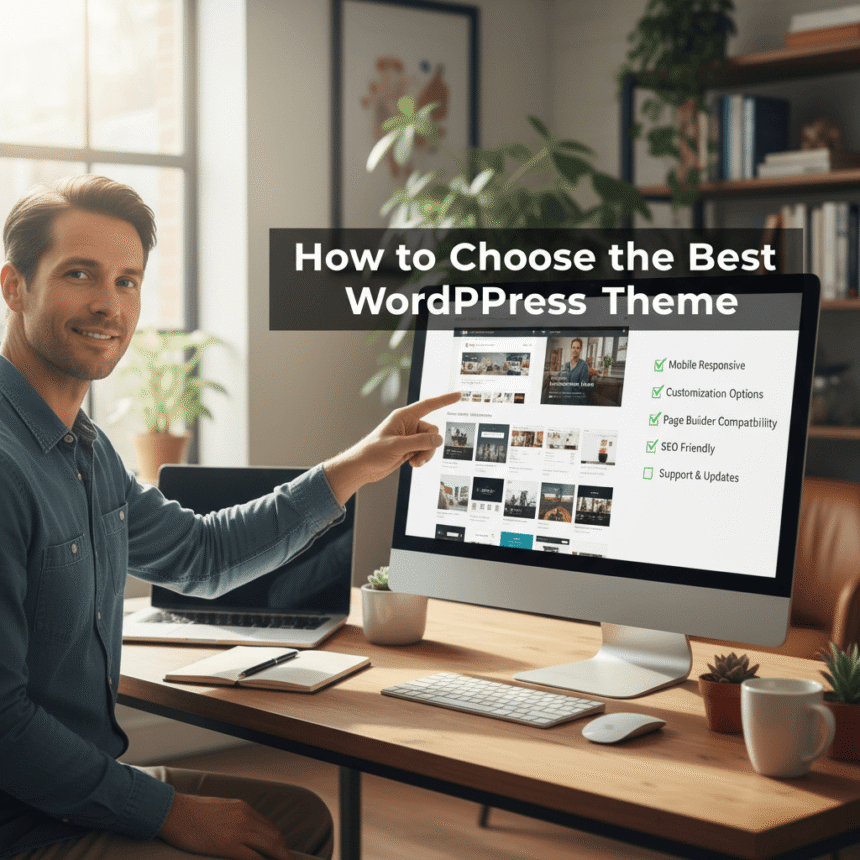
Most people browse the internet on their phones. If your theme only looks good on a computer, you will lose a lot of visitors. You can test this by opening a theme’s demo on your phone or by resizing your browser window on a computer to see if the content shrinks and moves correctly.
4. Check for SEO Friendliness
SEO stands for Search Engine Optimization. It is what helps your site appear at the top of results when someone searches on Google.
Even a beautiful theme can have “messy” code that makes it hard for search engines to understand your content. Look for themes that mention being “SEO friendly” or “Lightweight.” Fast-loading themes are almost always better for your ranking.
5. Look for Plugin Support
Plugins are like “apps” for your WordPress site that add extra features. You want a theme that plays well with the most popular ones, such as:
- Contact Form 7 or WPForms (for contact pages)
- WooCommerce (if you want to sell products)
- Yoast SEO or Rank Math (to help with your search ranking)
- Elementor or Beaver Builder (if you like dragging and dropping parts of your page)
6. Read Reviews and Check Updates
Just like you check reviews before buying a product online, you should check reviews for a WordPress theme. Look for themes with a high rating and read the comments to see if users have had technical problems.
Also, check when the theme was last updated. WordPress updates its software often to stay safe and fast. If a theme hasn’t been updated in over six months, the developer might have stopped supporting it. This could lead to security risks or your site breaking later on.
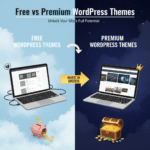
7. Free vs. Premium Themes
You don’t always have to pay for a theme. There are many high-quality free themes in the official WordPress.org directory.
- Free Themes: Great for beginners, simple blogs, or small projects.
- Premium (Paid) Themes: Usually cost between $40 and $100. They often offer more customization, better security updates, and a support team you can email if you get stuck.
Final Checklist
Before you hit the “Install” button, go through this quick list:
- Does it look clean and professional?
- Does it load fast in the demo?
- Is it easy to read the fonts?
- Does it work on a mobile phone?
- Has it been updated recently?
Choosing a theme is a big decision, but if you focus on speed, simplicity, and your visitors’ needs, you will find the perfect match for your site.