
If your website is growing, you are likely feeling two things: excitement and a bit of stress. Seeing your traffic numbers climb is the goal, but if your web hosting isn’t ready for that crowd, your site could slow down or even crash.
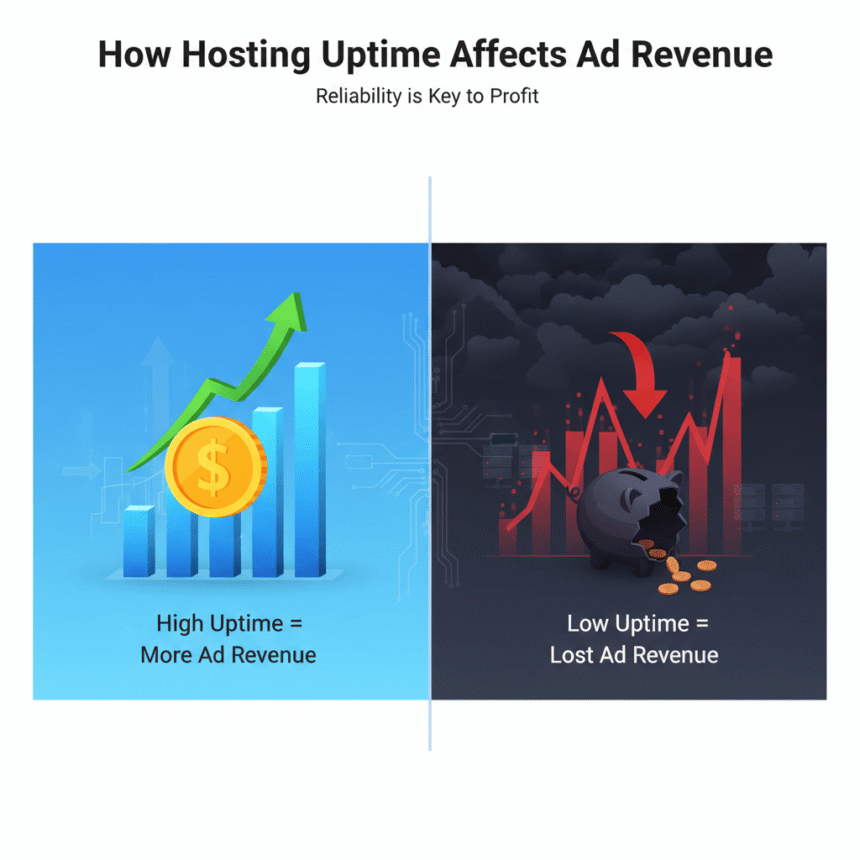
When your site earns revenue through ads, every second of downtime is lost money. Planning for scalability means making sure your website can handle 100 visitors today and 100,000 visitors tomorrow without breaking a sweat.
Understanding the Basics of Scalability
Scalability is the ability of your hosting setup to handle more work by adding resources. Think of it like a restaurant. If more customers show up, you need more tables (hardware) and more waiters (software processes) to keep the service fast.
There are two main ways to scale:
Vertical Scaling: This is like upgrading your current server. You add more power, such as more RAM or a faster CPU. It is simple but has a limit. Eventually, you cannot buy a bigger server.
Horizontal Scaling: This is like adding more servers to your team. Instead of one giant machine, you have five smaller ones working together. This is the gold standard for big websites because you can keep adding servers indefinitely.
Signs You Need to Scale Your Hosting
You shouldn’t wait for your site to crash to start planning. Watch for these red flags:
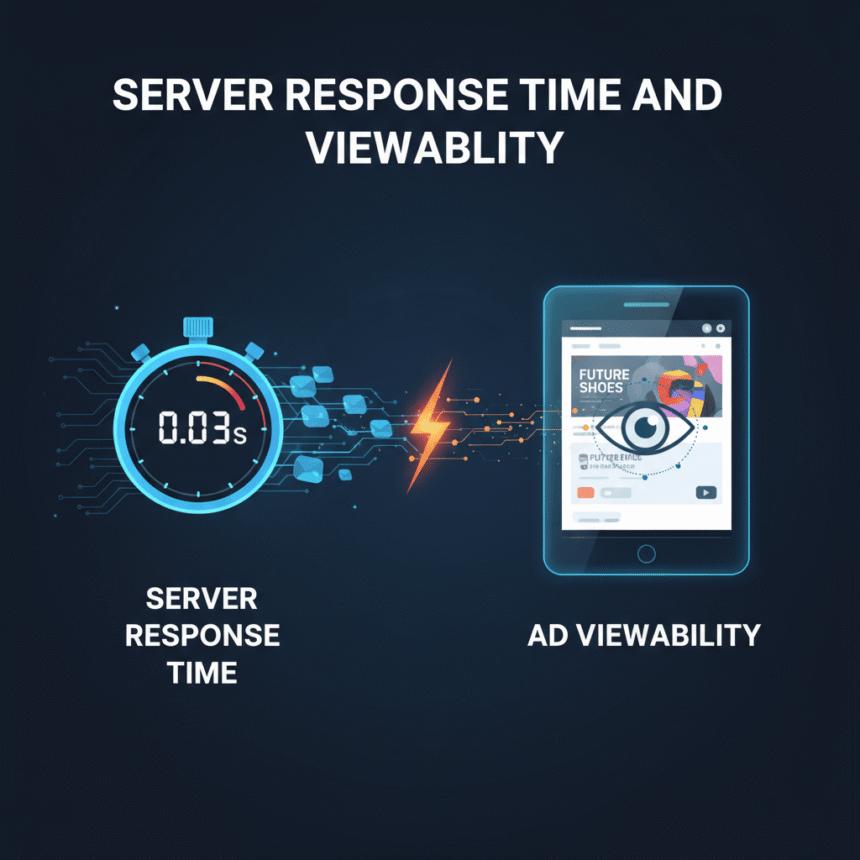
Slow Page Loads: If your pages take more than 3 seconds to load, your server might be struggling.
High CPU Usage: Check your hosting dashboard. If your CPU or RAM usage is constantly above 70 percent, you are in the danger zone.
Database Errors: If you see “Error establishing a database connection,” your server is being overwhelmed by requests.
Key Components of a Scalable Setup
To prepare for massive growth, you need a hosting architecture that is flexible. Here are the three pillars of a scalable site:
1. Content Delivery Networks (CDN)
A CDN stores copies of your website on servers all over the world. When someone visits your site, they download the data from the server closest to them. This takes a huge load off your main server and makes your site faster for global visitors.
2. Load Balancers
If you choose horizontal scaling, a load balancer acts like a traffic cop. It looks at all your servers and sends incoming visitors to the server that is the least busy. This prevents any single server from getting overwhelmed.
3. Cloud Hosting
Traditional “Shared” or “Dedicated” hosting is often rigid. Cloud hosting is different. It allows for “Auto-scaling,” where the system automatically adds more resources during a traffic spike and removes them when the traffic drops. This saves you money because you only pay for what you use.
Preparing for the Future
The best time to plan for growth was yesterday. The second best time is today. Start by moving away from cheap shared hosting plans if your traffic is consistently rising. Look for providers that offer managed cloud services or VPS options that allow for easy upgrades.
By focusing on a scalable infrastructure, you ensure that your website remains fast, reliable, and ready to handle every new visitor that comes your way.