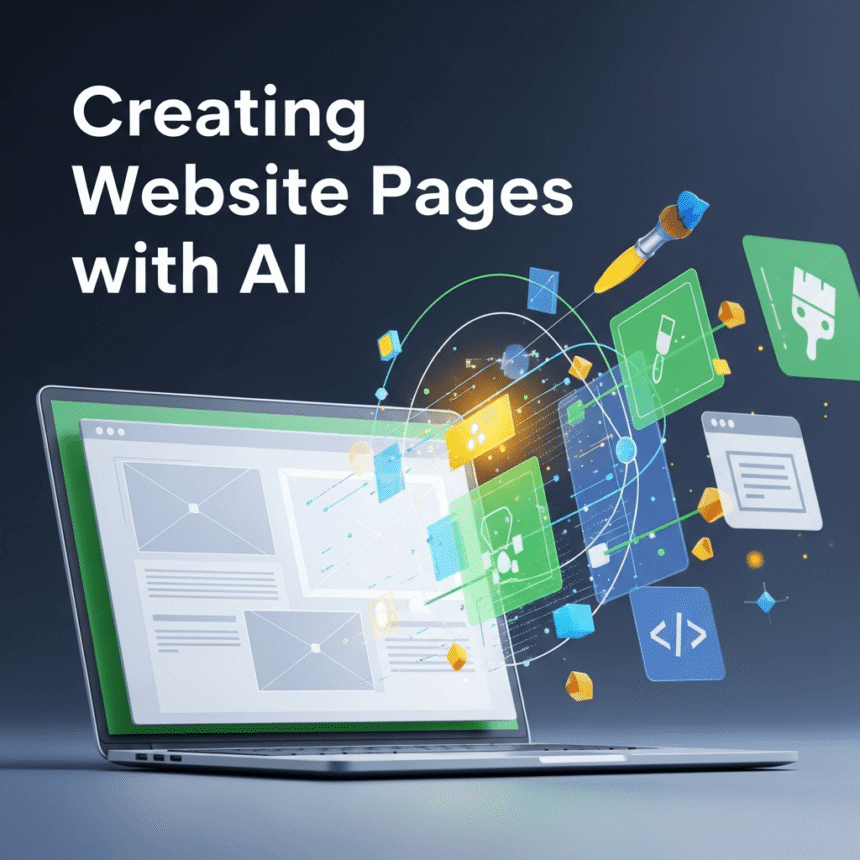

Building a website used to be a task reserved for people who knew how to write complex code. Later, drag and drop builders made it easier, but they still required hours of manual work. Today, Artificial Intelligence is changing the game. You can now build high quality website pages in a fraction of the time.
In this guide, we will explore how AI helps you create pages, the best tools to use, and how to make sure your site still feels human.
How AI Simplifies Web Design
AI does not just write text. It can help with the entire structure of a page. When you use an AI website builder, you usually start by describing your business or project. The AI then suggests a layout, chooses colors that match your brand, and places images where they make sense.
This process removes the “blank page” problem. Instead of wondering where to put a contact form or how to design a hero section, the AI provides a professional starting point. You become the editor instead of the builder.
Key Benefits of Using AI for Your Pages
- Speed: You can generate a landing page in minutes rather than days.
- Consistency: AI ensures that the fonts and colors stay the same across every page.
- Mobile Optimization: Most AI tools automatically make sure your pages look great on phones and tablets.
- Cost Effective: You don’t always need to hire a professional designer for simple page updates.
Creating Content That Connects
While AI can build the “bones” of your page, the words are what sell your ideas. AI writing tools are excellent for generating headlines and descriptions. However, to attract more visitors, you should always add your own voice.
When the AI generates a paragraph, read it out loud. Does it sound like you? If it sounds too robotic, change a few words. Share a personal story or a specific detail about your service that an AI wouldn’t know. This balance creates a page that is both professional and trustworthy.
Selecting the Right Images
Visuals are a huge part of web design. If you don’t have your own photos, AI image generators can create unique graphics for your site. This is often better than using common stock photos that people have seen a hundred times before.
Just remember to keep the style consistent. If one page uses realistic photos, try to avoid using cartoons on the next page. Keeping a uniform look helps your brand look more established.
Essential Tips for Success
- Be Specific: When talking to an AI tool, give it details. Instead of saying “make a page for a bakery,” say “make a page for a sourdough bakery that focuses on organic ingredients and home delivery.”
- Check the Links: AI is great at design, but it can sometimes make mistakes with technical details. Always test your buttons and links before going live.
- Focus on the User: Always ask yourself if the page is easy to navigate. AI might suggest a flashy design, but if a visitor cannot find your email address, the page isn’t doing its job.
Conclusion
Creating website pages with AI is no longer a dream for the future. It is a practical tool available right now. By letting technology handle the repetitive design tasks, you can spend more time on your strategy and connecting with your audience.