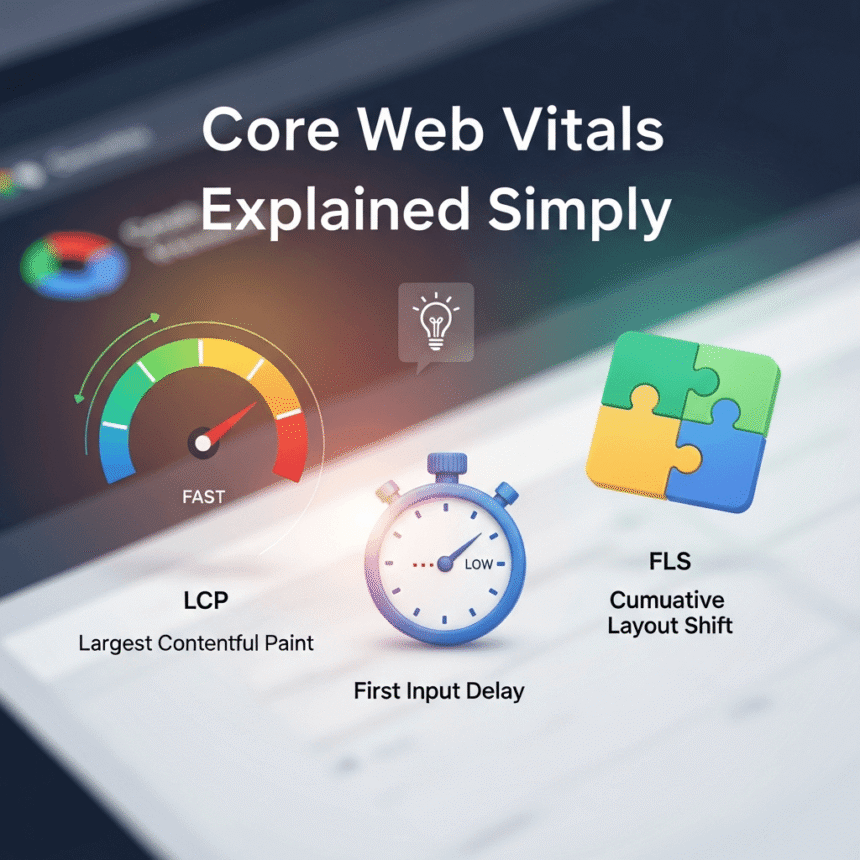

If you want your website to be successful, you need to think about your visitors. When someone clicks on your link, they want a fast and smooth experience. If your site is slow or jumpy, they will likely leave and never come back.
Google uses a set of specific measurements called Core Web Vitals to understand how users feel when they interact with your page. Think of these as a “health checkup” for your website.
There are three main pillars you need to know about. Let’s break them down into simple terms.
1. Loading Speed (LCP)
The first metric is Largest Contentful Paint, or LCP.
In plain English, LCP measures how long it takes for the biggest part of your page to appear on the screen. This is usually a large image, a video, or a big block of text.
- Good: Under 2.5 seconds.
- Needs Improvement: Between 2.5 and 4 seconds.
- Poor: More than 4 seconds.
If your main image takes forever to load, the user feels like the site is broken. To fix this, you should use smaller image files and a fast hosting provider.
2. Interactivity (INP)
The second metric is Interaction to Next Paint, or INP.
This measures how “snappy” your site feels. When a user clicks a button or opens a menu, how long does it take for the website to actually respond?
Imagine clicking a “Sign Up” button and nothing happens for two seconds. That delay is what INP tracks.
- Good: Under 200 milliseconds.
- Needs Improvement: Between 200 and 500 milliseconds.
- Poor: More than 500 milliseconds.
A fast INP makes your website feel alive and responsive. To improve this, you should make sure your website’s code is not too “heavy” or cluttered.
3. Visual Stability (CLS)
The third metric is Cumulative Layout Shift, or CLS.
Have you ever been reading an article and suddenly the text jumps down because an ad or an image finally loaded? Or even worse, have you ever tried to click “Cancel” but the page shifted and you accidentally clicked “Buy Now” instead?
That annoying jumping around is what CLS measures.
- Good: A score of 0.1 or less.
- Needs Improvement: Between 0.1 and 0.25.
- Poor: More than 0.25.
To stop your site from jumping, you should always tell the browser how much space an image or a video will take up before it loads. This keeps everything in its proper place.
Why Should You Care?
You might be wondering why these technical numbers matter for your blog. There are two main reasons.
Better User Experience
When your site is fast and stable, people stay longer. They read more of your posts and are more likely to subscribe to your newsletter or follow you on social media. Happy visitors are the key to a growing website.
Higher Search Rankings
Google wants to show its users the best websites. Because Core Web Vitals measure quality, Google uses these scores to help decide which pages should show up at the top of the search results. If your scores are good, you have a better chance of being seen by new people.
How to Check Your Scores
You don’t need to be a computer expert to see how you are doing. You can use free tools like PageSpeed Insights. Simply type in your website address, and it will give you a report card showing your LCP, INP, and CLS scores.
Summary
Improving your Core Web Vitals doesn’t have to be scary. Focus on making your large images load fast, ensuring your buttons respond instantly, and keeping your layout steady so things don’t jump around.
By focusing on these three simple things, you create a better experience for your readers and a more successful website for yourself.