
Adding subdomains to your website is a smart way to organize different sections of your business. Whether you are launching a blog, a forum, or a separate store, you likely want to maintain your revenue streams across these new pages.
The good news is that the process is straightforward. Because subdomains are part of your main site, you don’t always have to start from scratch. Here is a simple guide to getting everything running smoothly.
Understanding the Hierarchy
Before you start, it is helpful to know how systems view your site. If your main site is example.com, a subdomain looks like blog.example.com.
In most cases, if your main domain is already verified and active, your subdomains are “grandfathered” in. This means you do not usually need to submit a separate application for every single subdomain you create.
Step-by-Step Configuration
To ensure your ads show up correctly on your subdomain, follow these steps:
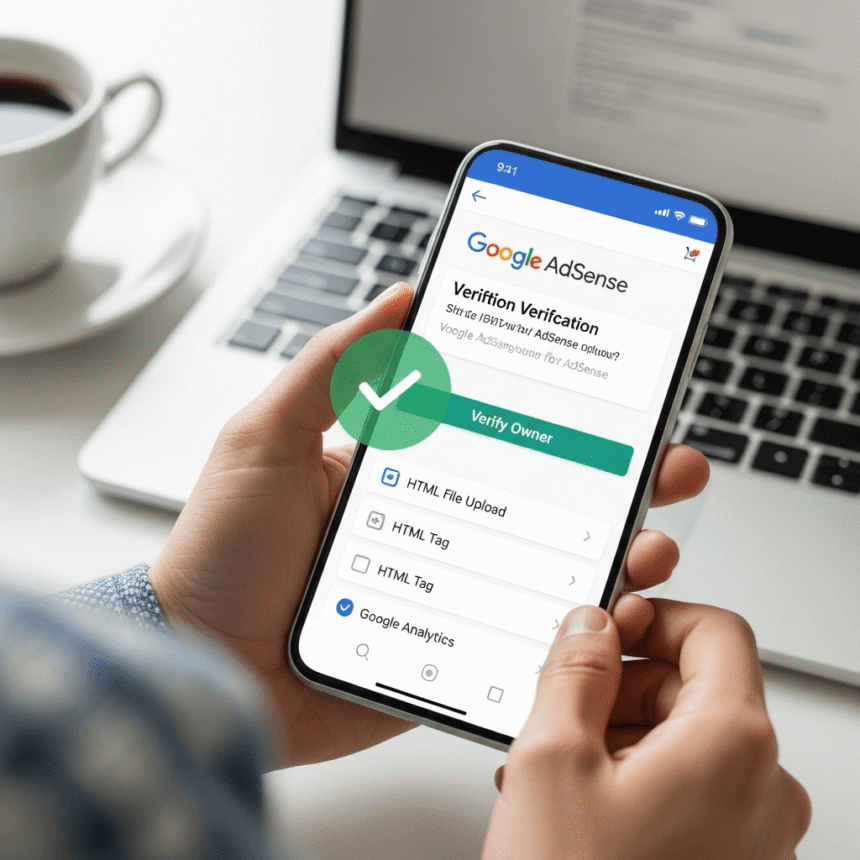
Check Your Main Site Status: Log into your dashboard and ensure your primary domain is listed as “Ready.” If the main domain isn’t approved, the subdomains cannot show ads.
Add the Subdomain: Go to the “Sites” section of your account. Click on your main domain. There should be an option to “Add subdomain.” Enter the URL (e.g., news.example.com) and save it.
Place the Ad Code: You need to put the ad code in the HTML of your subdomain. If you are using “Auto Ads,” you just need to place the script tag between the <head> and </head> tags of your subdomain pages.
Update Your ads.txt File: This is a crucial step that many people miss. Your ads.txt file usually lives on your root domain (the main site). You don’t need a separate file for the subdomain, but you must ensure the file on the main domain is set up correctly to cover all sub-sections of your site.
Common Issues to Avoid
Sometimes, ads don’t appear immediately. Here are a few things to check:
Privacy Settings: Ensure your subdomain has a clear privacy policy. Even though it is a subdomain, it still needs to follow standard compliance rules.
Content Quality: Each subdomain is judged on its own merits. If your subdomain is empty or has very little content, ads may not appear until you add more value for your visitors.
Robot.txt Blocks: Make sure your robots.txt file isn’t accidentally blocking crawlers from visiting your subdomain. If the crawlers can’t see the page, they can’t serve the ads.
Benefits of Using Subdomains
Using subdomains allows you to target different niches without confusing your audience. For example, if you run a tech site but want to start a section about cooking, using cooking.example.com keeps the two worlds separate while allowing you to manage everything under one account. It’s a clean, professional way to scale your digital presence.