
If you are looking to earn money from your website or YouTube channel, you have likely come across the term “AdSense.” It is one of the most popular ways for creators to get paid for their work. However, before you sign up, you need to know that there are different kinds of accounts available.
Choosing the right account type from the start is very important. It affects how you manage your taxes, how you get paid, and what information you need to provide. In this guide, we will break down the options so you can make the best choice for your situation.
The Two Main Categories
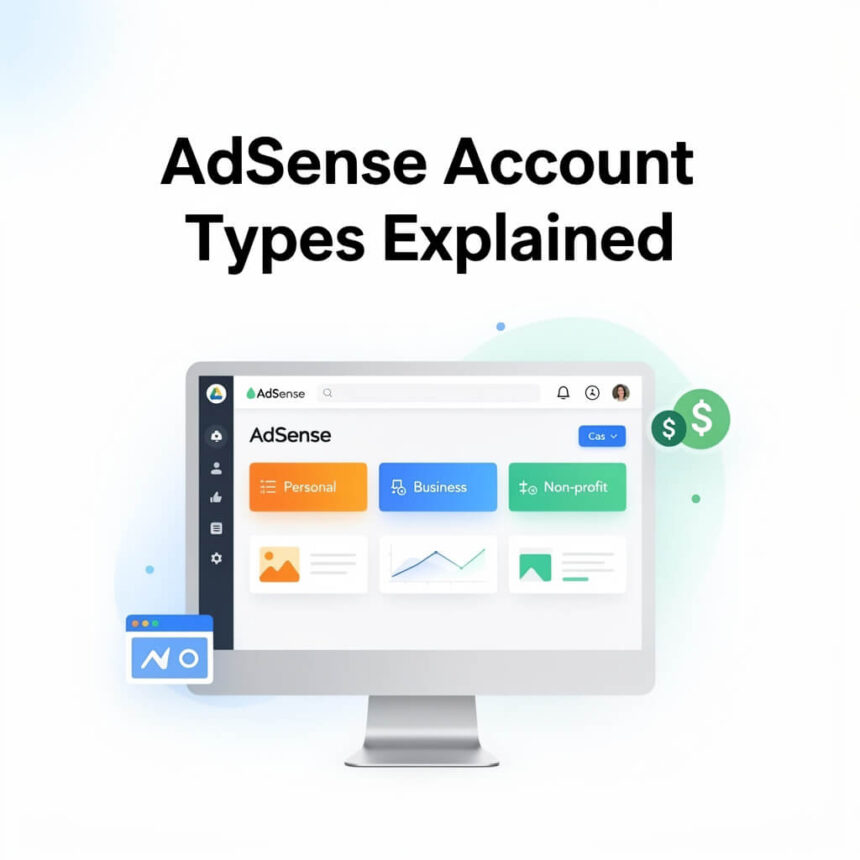
When you sign up, you will be asked to choose between an Individual account or a Business account. Both types offer the same services and pay at the same rates. The main difference is how the account is handled legally and financially.
1. Individual Accounts
This is the most common choice for bloggers, small YouTubers, and independent developers.
- Who it is for: People who are working for themselves and do not have a registered company.
- Payments: Money is sent directly to your personal bank account. The payment is made out to your legal name.
- Tax Information: You will use your own personal tax details, such as a Social Security number or a personal tax ID, depending on where you live.
- Flexibility: It is easier to set up because you do not need official company documents.
2. Business Accounts
If you have a company or a formal organization, this is the version you should select.
- Who it is for: Small businesses, large corporations, partnerships, or non-profit organizations.
- Payments: Checks or transfers are made out to the company name. You cannot send money from a Business account to a personal bank account; it must go to a corporate account.
- Tax Information: You must provide the tax identification number of the business.
- Multi-User Access: Business accounts often make it easier for teams to manage the settings.
Can You Change Your Account Type Later?
This is a very common question. The simple answer is no. Once you have selected “Individual” or “Business” and finished the setup, you cannot switch it in the settings.
If you start as an Individual but later form a company, you will have to close your old account and open a brand new one under the Business category. This process can be a bit slow, so it is better to choose correctly on day one.
What is a “Hosted” Account?
You might also hear people talk about “Hosted” versus “Non-hosted” accounts. This is less about your legal status and more about where you are showing ads.
- Hosted Account: This is created through a partner like YouTube. If you only have a YouTube channel, your account is considered “hosted.” You can only show ads on that specific platform.
- Non-Hosted (Full) Account: This is what you get when you have your own website with its own domain name (like www.yourname.com). It allows you to show ads on any website you own as long as it follows the rules.
If you have a hosted account for YouTube and want to start a blog later, you will need to submit a request to “upgrade” your account by providing your website URL.
Important Things to Remember
No matter which account you choose, remember these three rules:
- One Account Rule: You are generally only allowed to have one account under the same name. If you try to open a second one because you forgot the password to the first, you might get both accounts banned.
- Location Matters: You must sign up using the country where you currently live. This is because a physical PIN code is mailed to your address to verify who you are.
- Currency: Usually, the currency of your account is set based on your country and cannot be changed later.
Summary
If you are a solo creator, go with an Individual account. If you are a registered legal entity, go with a Business account. Knowing these differences helps you avoid payment delays and ensures your tax records stay clean.