
In the world of online publishing, speed is not just a luxury; it is the foundation of your revenue. If your website takes too long to load, your visitors will leave before they even see your content. This delay starts at the server level.
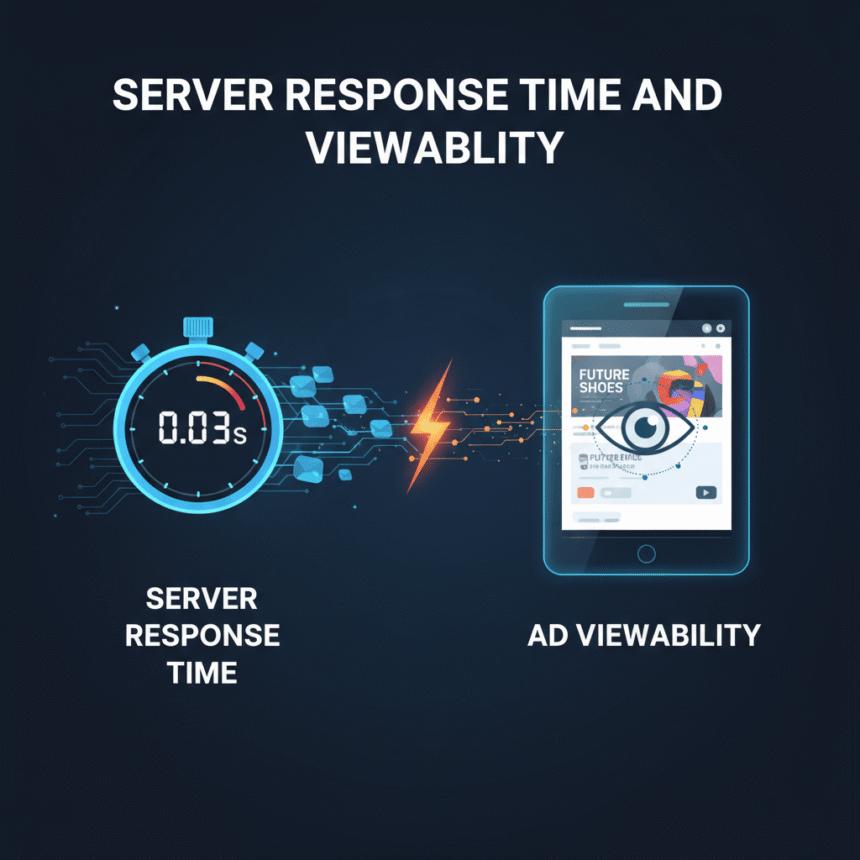
When we talk about server response time, we are looking at how quickly your “home base” (the server) reacts when someone clicks on your link. If this reaction is slow, your ad viewability—the chance that an ad is actually seen by a human—plummets.
What is Server Response Time?
Server response time is often measured as Time to First Byte (TTFB). This is the amount of time it takes for a user’s browser to receive the first scrap of information from your server after making a request.
$TTFB = \text{Latency} + \text{Processing Time} + \text{Response Time}$
Ideally, your server should respond in under 200 milliseconds. If it takes longer than 1.8 seconds, Google and other platforms consider it poor performance. This delay creates a “lag” that affects everything else on the page, especially your ads.
How Slowness Kills Ad Viewability
Ad viewability is a simple metric: did the user actually see the ad? According to industry standards, a display ad is “viewable” if at least 50% of its pixels are on the screen for at least one second.
When your server is slow, the following “domino effect” happens:
The Wait: The user clicks your link and sees a blank white screen.
The Exit: If the page doesn’t show content within 3 seconds, about 53% of mobile users will close the tab.
The Ghost Ad: Even if the user stays, the server might still be struggling to send the ad code. The user scrolls down past the ad spot before the ad even loads.
The Result: You served an ad (meaning the system tried to show it), but the viewability is 0% because the user never saw it.
The High Cost of a One-Second Delay
Small delays lead to big losses. Recent data from 2026 shows that a one-second delay in ad load time can decrease overall impressions by nearly 2% on desktop and over 1% on mobile.
More importantly, that same one-second delay can drop your viewability rates by as much as 3.6%. For a site with millions of visitors, those tiny percentages add up to thousands of dollars in lost opportunities every month.
Practical Ways to Speed Up Your Server
Improving your server response time is one of the most effective ways to boost your bottom line. Here are the most impactful steps you can take:
1. Use a Content Delivery Network (CDN)
A CDN stores copies of your website on servers all over the world. If a reader is in London and your main server is in New York, the CDN serves the site from a London-based “edge” server. This significantly reduces the distance data has to travel.
2. Optimize Your Database
If you use a CMS like WordPress, your database can become cluttered with old post revisions and “junk” data. A cluttered database takes longer to search, which slows down the server. Regular cleaning keeps things snappy.
3. Upgrade Your Hosting
Shared hosting is often the culprit for slow TTFB. In a shared environment, you are competing with hundreds of other websites for the same CPU and RAM. Switching to a VPS (Virtual Private Server) or Cloud Hosting provides dedicated resources that ensure your server stays fast even during traffic spikes.
4. Enable Caching
Caching creates a “snapshot” of your pages. Instead of the server having to build the page from scratch every time someone visits, it simply hands over the pre-built snapshot. This is much faster and uses far less server power.
Better Speed, Better Business
When your server responds quickly, your ads load almost instantly. This gives them the best chance to be seen by your visitors while they are still engaged with your content. High viewability makes your website more attractive to high-quality advertisers and ensures you aren’t leaving money on the table.