
Managing a website has become much easier thanks to Content Management Systems (CMS). Whether you use WordPress, Joomla, or Drupal, these platforms allow you to focus on creating great content while they handle the technical side. If you want to earn money from your hard work, integrating ads is a common path to take.
Choosing the Right CMS for Your Goals
Not all platforms are created equal when it comes to advertising. Some make it incredibly easy to plug in your code, while others require a bit more manual work.
WordPress: This is the most popular choice for bloggers. It has a massive library of plugins that allow you to place ads in specific spots, like after the first paragraph or in the sidebar, without ever touching a line of code.
Joomla: This platform is great for more complex sites. It uses “modules” to handle ads. You can create a custom HTML module, paste your ad code inside, and tell Joomla exactly where on the page you want it to appear.
Drupal: Often used by larger organizations, Drupal offers high levels of customization. While it has a steeper learning curve, it provides excellent control over how and where your ads are displayed to different types of visitors.
How to Add Ads to Your CMS
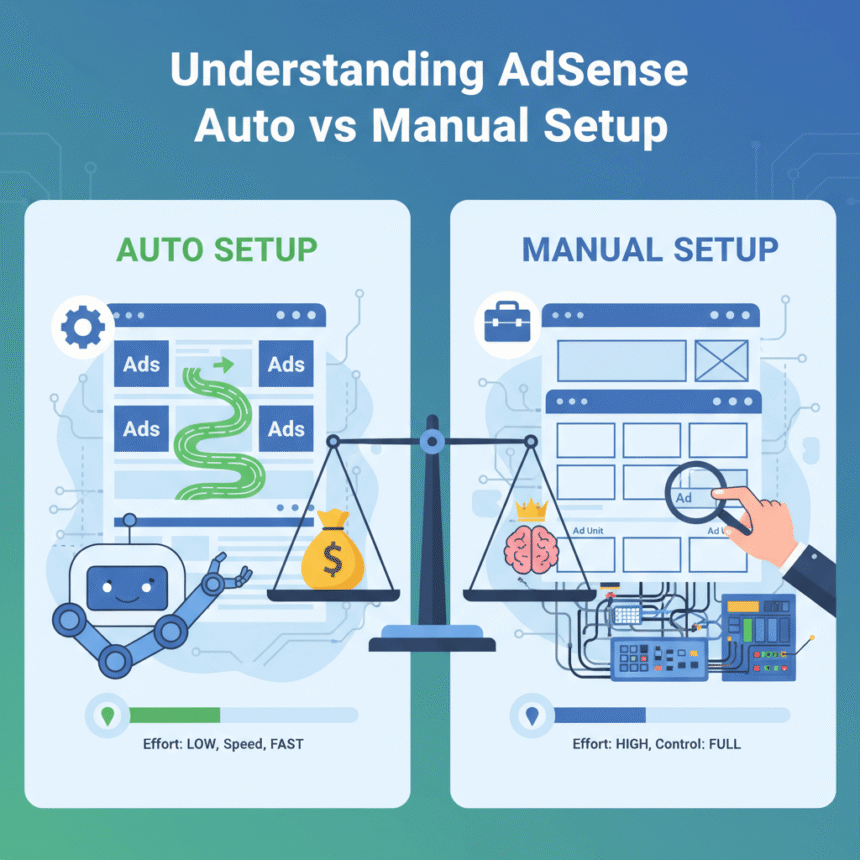
Once you have your account ready, you generally have two ways to get those ads onto your site:
1. Using Plugins or Extensions
For beginners, this is the best route. In WordPress, for example, you can install a manager plugin. You simply paste your code into the plugin settings, and it automatically distributes the ads across your posts. This saves you from having to edit every single page manually.
2. Manual Placement
If you want total control, you can paste the code directly into your theme files or use a “Custom HTML” widget. This is useful if you want an ad to stay in one specific spot, such as the footer or the very top of your header.
Best Practices for Better Results
To keep your visitors happy while still earning, keep these tips in mind:
Don’t Overload the Page: Too many ads can make your site slow and frustrate your readers. Balance is key.
Mobile Matters: Most people browse on their phones. Ensure your CMS theme is “responsive,” meaning the ads will resize properly so they don’t break the layout on a small screen.
Check Your Placement: Ads placed near the top of the page or within the natural flow of the text usually perform better than those tucked away at the very bottom.
By using the built-in tools of your CMS, you can turn your website into a professional platform that looks great and supports your creative efforts.