
The internet connects people from all over the world. However, if your website is only in one language, you are missing out on millions of potential readers or customers. Creating a multilingual WordPress site is one of the best ways to grow your traffic and reach a global audience.
Building a site that works in multiple languages might sound difficult, but WordPress makes it quite manageable. Here is a simple guide to help you get started.
Why You Should Go Multilingual
Before we look at the “how,” let’s look at the “why.” Most internet users prefer to browse in their native language. By offering your content in different languages, you build trust and make your site more accessible. It also helps your site appear in search results for different regions, which can significantly increase your visitor count.
Step 1: Choose Your Translation Method
There are two main ways to translate a WordPress site:
- Manual Translation: You or a professional translator write the content for each language. This is the highest quality method because it ensures the tone and meaning are perfect.
- Machine Translation: You use a service like Google Translate to automatically switch the text. This is fast and cheap, but the grammar isn’t always perfect.
Many people choose a hybrid approach: they use machine translation first and then manually edit the most important pages.
Step 2: Select a Multilingual Plugin
WordPress does not have a built-in feature to create a multilingual site, so you will need a plugin. Here are three popular options:
- WPML: This is a powerful, paid plugin. It allows you to translate every part of your site, including menus, widgets, and even your theme’s settings.
- Polylang: This is a great free option for beginners. It is easy to set up and works well for basic multilingual sites.
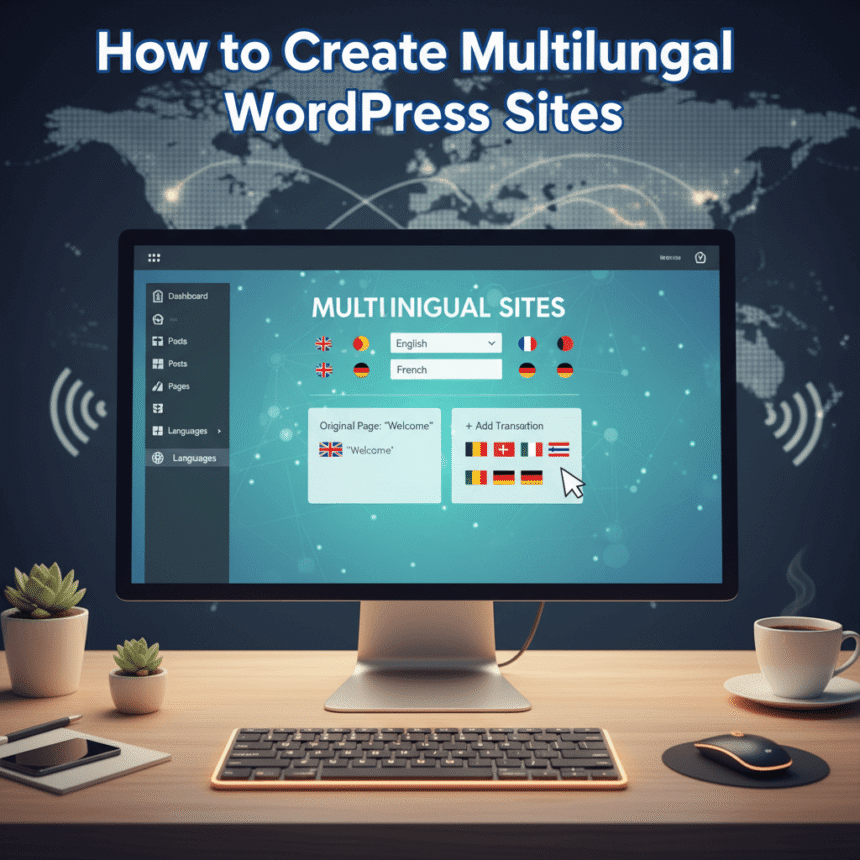
- TranslatePress: This plugin is unique because it lets you translate your site directly from the front-end. You simply click on a piece of text and type the translation.
Step 3: Set Up Your Language Structure
Once you install a plugin, you need to decide how your web addresses (URLs) will look. There are three common ways to do this:
- Directories: yoursite.com/es/ (Great for SEO and very common)
- Subdomains: https://www.google.com/search?q=es.yoursite.com (Good for very large sites)
- URL Parameters: https://www.google.com/search?q=yoursite.com%3Flang%3Des (Not recommended for SEO)
Most experts suggest using Directories because they are easy for search engines to understand and organize.
Step 4: Add a Language Switcher
You must give your visitors an easy way to change the language. A “Language Switcher” is usually a dropdown menu or a set of flags. Most plugins allow you to add this to your navigation menu, footer, or sidebar.
Make sure the switcher is easy to find. If a visitor cannot read your site, they need to see that language button immediately.
Step 5: Translate More Than Just Posts
A truly multilingual site requires more than just translating your blog posts. To give your users a great experience, remember to translate:
- Navigation Menus: Make sure your “Home” and “Contact” buttons change.
- Metadata: Your page titles and descriptions should be translated so people can find you on search engines.
- Images: If your images have text on them, you might need to upload different versions for different languages.
- Forms: Ensure your contact forms or newsletter sign-ups are in the correct language.
Step 6: Test Everything
Before you announce your new multilingual site, test it thoroughly. Click through the language switcher on every page. Check if the right fonts are loading, as some languages require different character sets. Most importantly, make sure the links on the translated pages lead to the correct versions and not back to the original language.
Conclusion
Creating a multilingual WordPress site takes some effort, but the rewards are worth it. By speaking to your audience in their own language, you break down barriers and open your site to the entire world. Start with one or two additional languages and watch your community grow.