
If you have ever used WordPress, you might have seen small bits of code wrapped in square brackets, like Error: Contact form not found.
Think of a shortcode as a shortcut. Instead of writing long lines of complicated code to add a specific feature to your website, you simply type one small tag. WordPress sees that tag and replaces it with the actual content when a visitor views your page.
Why Do We Use Shortcodes?
In the early days of WordPress, adding a video or a complex grid required you to know HTML and CSS. If you made a mistake in the code, your whole page could break.
Shortcodes solve this problem by keeping the complicated stuff behind the scenes. They allow you to add powerful features to your posts and pages without ever touching the “code” view of your editor.
The Main Benefits
- Speed: You can add complex elements in seconds.
- Consistency: The design of the element stays the same every time you use the shortcode.
- Ease of Use: You don’t need to be a programmer to use them.
How to Use Shortcodes
Using a shortcode is as simple as typing text. There are three main ways you might encounter them.
1. Simple Shortcodes
These stand alone and do not need extra information.
Example: [current_year] (Some plugins use this to always show the right year in your footer).
2. Shortcodes with Attributes
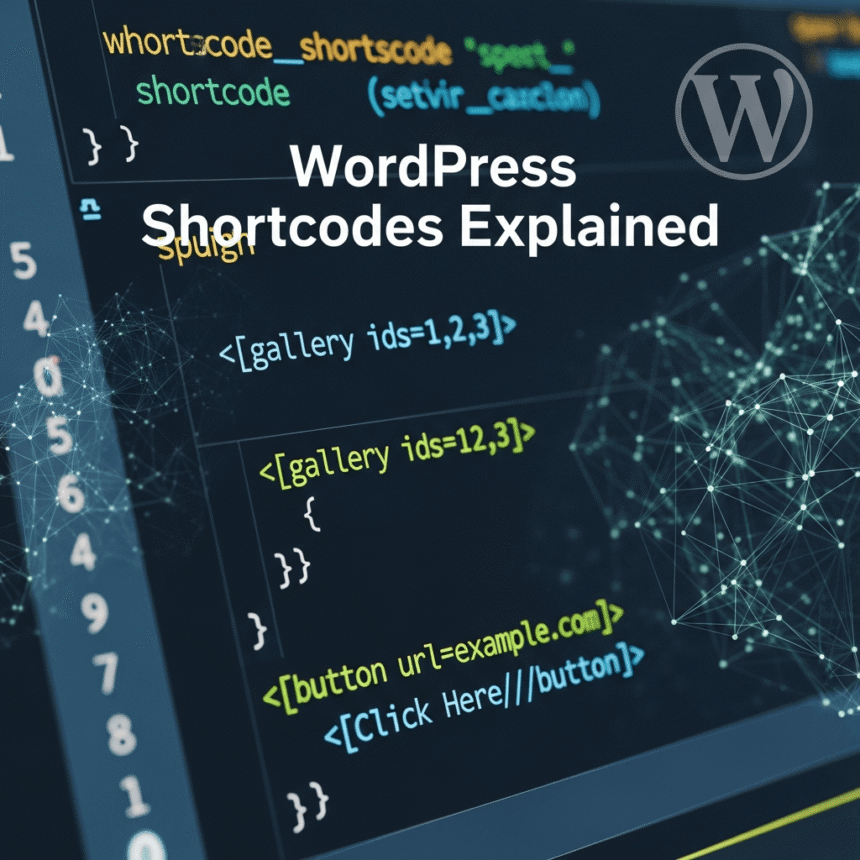
Sometimes you want to tell the shortcode exactly what to do. You do this by adding “attributes” inside the brackets.
Example:
In this case, you are telling WordPress which images to show and how big they should be.
3. Closing Shortcodes
These work like a sandwich. They wrap around a piece of content to change how it looks.
Example: [highlight]This text will be yellow[/highlight]
Where Can You Put Them?
You can use shortcodes almost anywhere on your WordPress site:
- Inside Posts and Pages: This is the most common use. If you are using the Block Editor (Gutenberg), you can search for the Shortcode Block to paste your code safely.
- In Widgets: You can add them to your sidebar or footer.
- In Theme Files: This is for more advanced users who want a specific feature to appear on every single page automatically.
Where Do Shortcodes Come From?
WordPress does not just guess what a shortcode means. They usually come from three places:
- WordPress Core: WordPress has built-in shortcodes for things like galleries, audio, and video.
- Plugins: This is where most shortcodes come from. When you install a contact form plugin or a slider plugin, they give you a shortcode to display your work.
- Your Theme: Many premium themes come with their own shortcodes for buttons, columns, and icons.
A Quick Warning
While shortcodes are helpful, they have one downside. If you deactivate the plugin that provided the shortcode, the feature will disappear. Instead of a beautiful contact form, your visitors will just see the text Error: Contact form not found.
Always make sure you keep your essential plugins active if you are relying on their shortcodes to build your pages.
Summary
WordPress shortcodes are a bridge between being a beginner and being a pro. They give you the power to create professional layouts and add interactive features with just a few keystrokes. Next time you install a new plugin, look for its “Shortcode Library” to see what new powers you have gained.