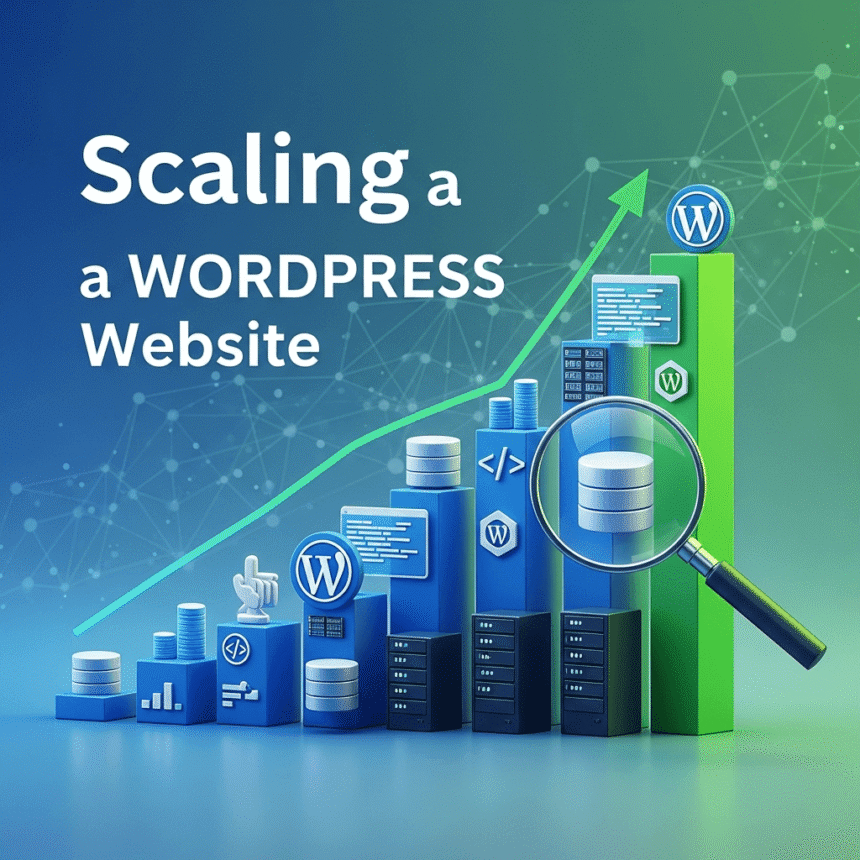

As your business grows, your website needs to grow with it. A site that worked perfectly for 100 visitors a day might crash or become painfully slow when that number jumps to 10,000. Scaling is the process of upgrading your website’s infrastructure and configuration so it can handle more traffic and data without losing performance.
Here is a guide on how to scale your WordPress website effectively.
1. Choose the Right Hosting Environment
The foundation of a scalable website is the server it lives on. If you are on a cheap shared hosting plan, you will eventually hit a “ceiling” because you are sharing resources with hundreds of other sites.
- Managed WordPress Hosting: These providers specialize in WordPress. They offer server-side caching and automated updates.
- Cloud Hosting: Services like Google Cloud or AWS allow you to scale resources up or down based on demand.
- VPS or Dedicated Servers: These options give you your own set of resources (CPU and RAM) so other websites won’t slow you down.
2. Implement Layered Caching
Caching is the most effective way to handle more traffic. Instead of asking your database to build a page every time someone visits, caching saves a “snapshot” of the page to show the next visitor.
- Page Caching: Use plugins like WP Rocket or W3 Total Cache to store HTML versions of your pages.
- Object Caching: This stores database query results. Tools like Redis or Memcached are excellent for scaling dynamic sites like online stores.
- Browser Caching: This tells your visitors’ browsers to store parts of your site locally so they don’t have to download everything twice.
3. Use a Content Delivery Network (CDN)
When a user in London visits a server located in New York, the data has to travel across the ocean. This creates “latency,” which slows down your site.
A CDN like Cloudflare or Bunny.net stores copies of your images, CSS, and JavaScript on servers all over the world. When someone visits your site, they download these files from the server closest to them. This reduces the load on your main server and makes the site faster for global users.
4. Optimize Your Database
WordPress stores everything in a MySQL database. As you add more posts, comments, and products, the database becomes bulky.
- Clean up revisions: WordPress saves every draft you ever wrote. Delete old versions to keep the database light.
- Remove “transients”: These are temporary data files that sometimes stay in your system longer than they should.
- Optimize tables: Use a plugin like WP-Optimize to keep your database tables organized and fast.
5. Manage Your Media Efficiently
Large images are the most common cause of slow websites. If you have thousands of visitors downloading unoptimized images, your bandwidth will disappear quickly.
- Image Compression: Always compress images before uploading them.
- WebP Format: Use modern image formats like WebP, which are much smaller than JPEG or PNG.
- Offloading Media: For very large sites, consider “offloading” your media library to an external storage service like Amazon S3. This keeps your web server focused only on running the code.
6. Audit Your Plugins
Every plugin you add to WordPress adds code that the server must process. To scale successfully, you must be disciplined about what you install.
- Delete inactive plugins: Don’t just deactivate them; delete them entirely.
- Replace heavy plugins: Some plugins are known “resource hogs.” Look for lightweight alternatives that do the same job.
- Custom code: Sometimes a few lines of code in your theme’s functions file can replace a whole plugin.
7. Keep Everything Updated
Scaling is also about security and stability. Developers constantly release updates for WordPress core, themes, and plugins to improve performance and patch security holes. A hacked site or a site with outdated code will never scale properly because it will be prone to crashes and errors.
Summary
Scaling a WordPress website is not a one-time task but an ongoing process. By starting with high-quality hosting, setting up a CDN, and keeping your database and media files lean, you can ensure your site stays fast and reliable no matter how many visitors you attract.