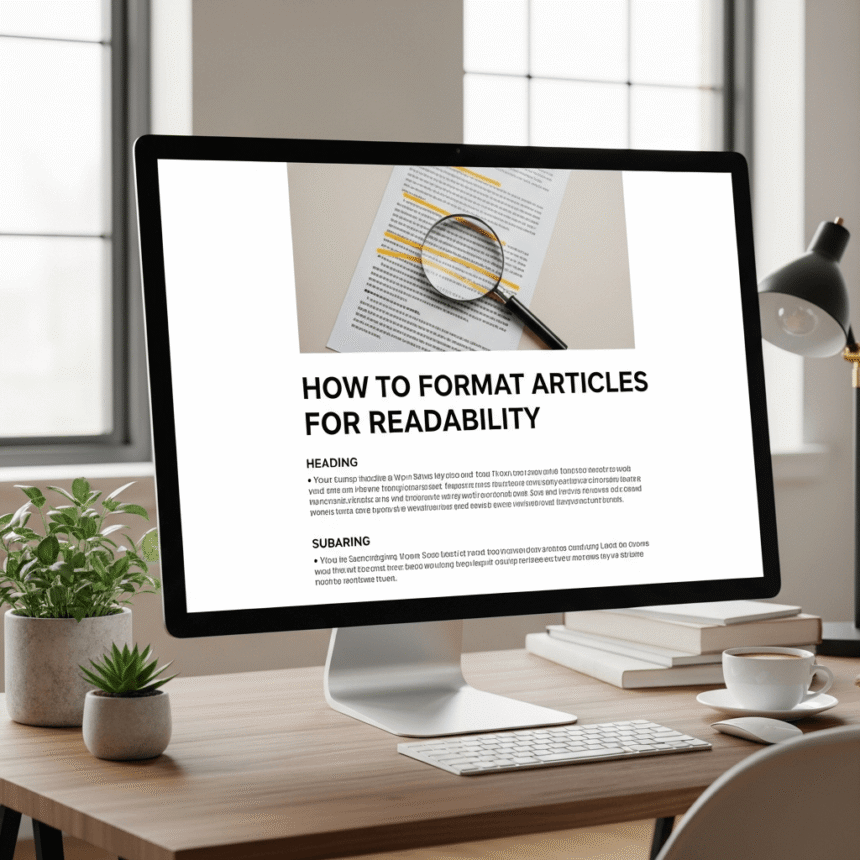

In the world of online content, how your writing looks is just as important as what it says. Most people do not read every single word on a webpage. Instead, they scan the page to find the most important information. If your article looks like a giant wall of text, visitors will likely leave before they even start.
Here is a guide on how to format your articles to keep readers engaged and make your content easy to digest.
Use Clear and Helpful Subheadings
Subheadings act as a map for your readers. They break your article into smaller sections and tell the reader what each part is about.
When you use subheadings, make sure they are descriptive. Instead of just writing “Tips,” try something like “Tips for Better Sentence Structure.” This helps people who are skimming the page find exactly what they are looking for.
Keep Paragraphs Short
Long paragraphs are intimidating on a screen. When a reader sees a block of twenty sentences, it feels like hard work. To make your article more readable, try to keep your paragraphs between two and four sentences long.
Short paragraphs create “white space.” This is the empty space on the page that gives the reader’s eyes a place to rest. The more white space you have, the more inviting your article looks.
Utilize Bullet Points and Numbered Lists
Lists are one of the best tools for readability. They are easy to scan and help highlight key points. Use lists when you want to:
- Break down a complex process.
- List features or benefits.
- Share a group of related tips.
- Summarize important facts.
Numbered lists are great when the order of the information matters, like in a step-by-step guide. Bullet points are perfect for general lists where the order is not vital.
Emphasize Key Information
Sometimes you want a specific word or phrase to stand out. You can use bold text or italics to draw attention to important concepts.
However, be careful not to overdo it. If every other sentence is bolded, nothing will stand out. Use these tools sparingly to highlight the “golden nuggets” of your content.
Choose a Readable Font and Size
The design of your website plays a big role in readability. You should choose a clean font that is easy to read on both computers and mobile phones.
A font size of 16px or 18px is usually standard for body text. If the text is too small, people will strain their eyes. If it is too large, it can feel clunky. Also, make sure there is enough contrast between your text color and your background color. Black text on a white background is the classic choice for a reason.
Use High-Quality Images
Images break up the text and provide visual context. A relevant photo, chart, or infographic can explain a point much faster than words alone.
Make sure your images are high quality but also optimized for the web. If your image files are too large, your page will load slowly, which might frustrate your visitors.
Write a Strong Conclusion
Wrap up your article by summarizing the main points. A good conclusion reminds the reader what they learned and gives them a sense of closure. You can also include a “Call to Action” at the end, asking them to leave a comment or check out another post.
By following these simple formatting steps, you can turn a dense piece of writing into an enjoyable reading experience. When your content is easy to read, people stay longer, learn more, and are more likely to return to your site.