
Getting your website to appear on search engines can sometimes feel like a puzzle. You create great content, hit publish, and wait for visitors to arrive. However, if your pages are not “indexed,” they will not show up in search results at all.
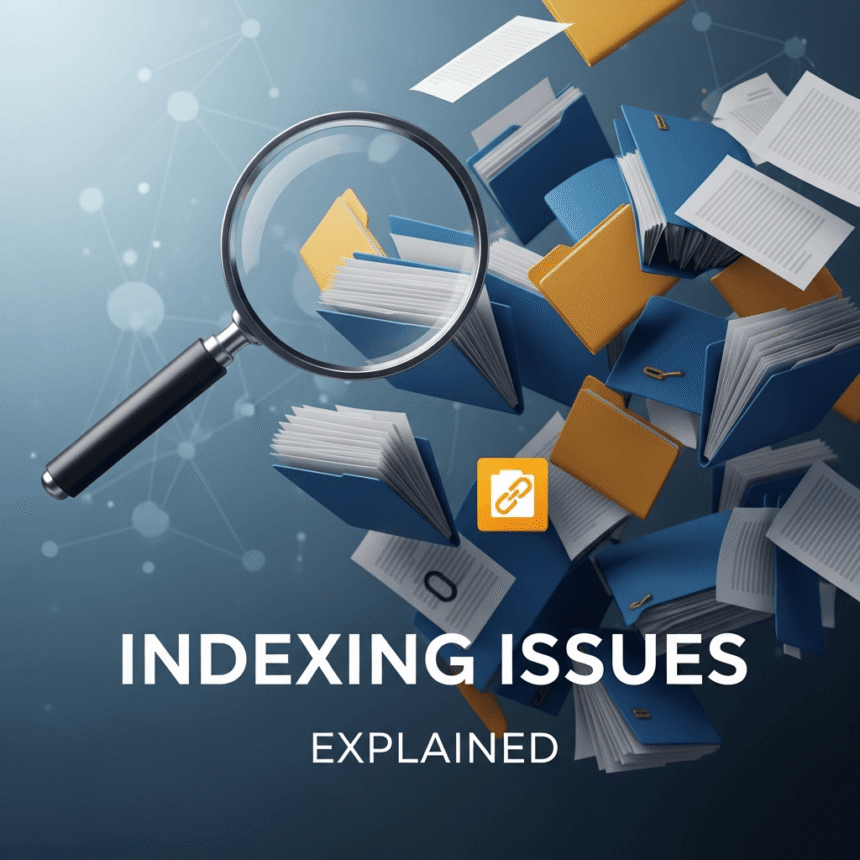
Think of a search engine like a giant library. Indexing is the process where the librarian takes your book, reads it, and places it on the right shelf so people can find it. If there is an indexing issue, your book stays in the box in the back room.
This guide will help you understand why indexing issues happen and how you can fix them.
What is Search Engine Indexing?
Before we look at the problems, it is helpful to know the three steps search engines take:
- Crawling: Search engines use automated bots to follow links and find new pages on the web.
- Indexing: The search engine analyzes the content of those pages and stores the information in a massive database.
- Ranking: When someone searches for a topic, the search engine looks through its index to find the most relevant pages.
If your page fails at the second step, it can never reach the third step.
Common Reasons Your Pages Are Not Indexing
1. Technical Blockers in Robots.txt
The robots.txt file is a small document on your server that gives instructions to search engine bots. Sometimes, a simple mistake in this file can tell bots to stay away from your entire site or specific folders. If you have “disallow” rules pointing to your important content, search engines will honor that and stop crawling.
2. The Noindex Tag
A “noindex” tag is a piece of code in the header of a webpage. It specifically tells search engines: “You can look at this page, but do not put it in your search results.” This is often used for private pages or thank-you pages, but sometimes it is left on by accident during website development.
3. Poor Site Structure and Internal Linking
Search engines find new pages by following links from old pages. If you have a “lone wolf” page that no other page links to, the bots might never find it. A clear menu and internal links between your articles act as a map for the bots to follow.
4. Low Quality or Duplicate Content
Search engines want to provide the best experience for their users. If a page has very little text, or if the content is copied exactly from another website, the search engine might decide it isn’t worth saving in the index. Original, helpful content is the best way to ensure your pages are welcomed.
5. Slow Loading Speeds and Server Errors
If your website takes too long to load, the search engine bot might give up and move on to another site. Similarly, if your server is frequently down or returns “500 error” messages, the bots will struggle to index your content reliably.
How to Identify Indexing Issues
The best tool for this job is a search console provided by the search engine. These tools show you exactly which pages are indexed and which ones are being ignored.
Look for a report usually called Indexing or Pages. It will list specific errors, such as:
- Excluded by ‘noindex’ tag: You have a tag telling bots to stay away.
- Crawl anomaly: Something went wrong during the visit, like a slow server.
- Discovered – currently not indexed: The bot knows the page exists but has not decided to visit or index it yet.
Simple Steps to Fix Indexing Problems
- Check your settings: If you use a website builder like WordPress, ensure the setting “Discourage search engines from indexing this site” is turned off.
- Create a Sitemap: An XML sitemap is a list of all your important pages. Submitting this to a search engine console is like handing the librarian a list of every book you want on the shelves.
- Request Manual Indexing: If you have a specific new page that is not showing up, most search consoles have a “URL Inspection” tool where you can manually ask the bot to come and take a look.
- Improve Internal Links: Add links to your new posts from your homepage or your most popular older posts. This gives the bots a clear path to the new content.
Indexing issues can be frustrating, but they are usually easy to solve once you know where to look. By making sure your site is technically healthy and your content is unique, you make it easy for search engines to share your work with the world.