
When you launch a WordPress site, one of the first things you might notice is that your web addresses look a bit messy. A default URL might look like a string of random numbers and symbols, which isn’t helpful for your readers or for search engines.
Creating SEO-friendly URLs is one of the easiest ways to improve your site’s ranking. Here is a simple guide on how to clean up your links and make them work for you.
What is an SEO-Friendly URL?
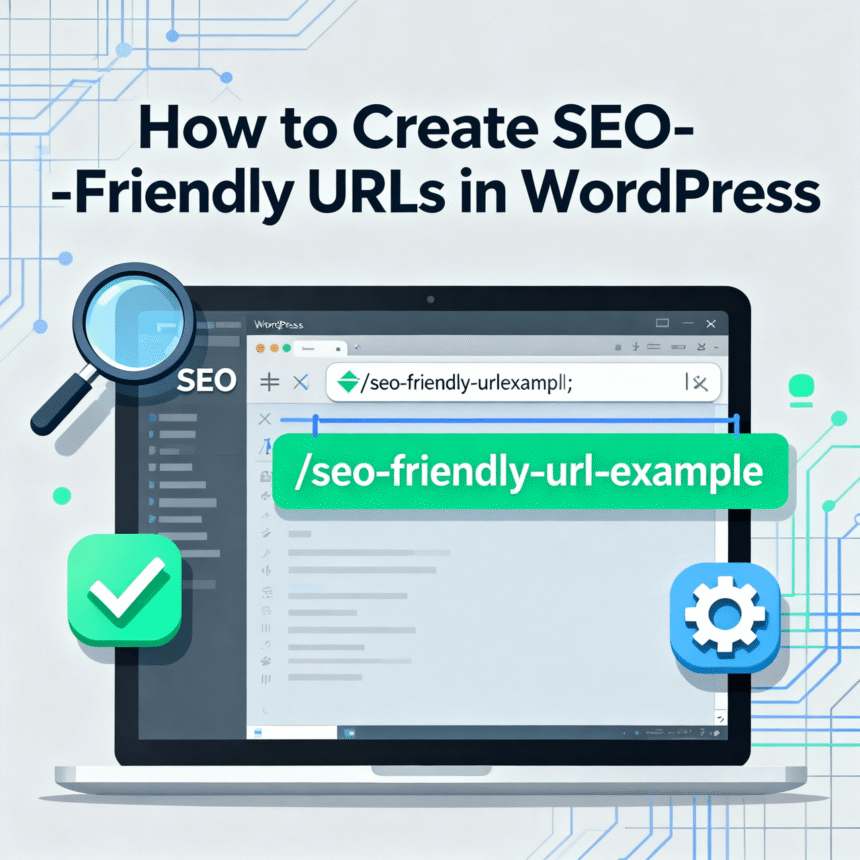
An SEO-friendly URL is a web address that is easy to read for both humans and computers. It describes exactly what is on the page.
- Bad URL:
https://example.com/?p=123 - Good URL:
https://example.com/how-to-bake-bread
The second version tells the user what to expect before they even click. This builds trust and helps search engines like Google understand your content.
Step 1: Change Your Permalink Settings
WordPress has a built-in setting to handle this. By default, WordPress might use “Plain” URLs. You want to change this immediately.
- Log in to your WordPress Dashboard.
- Go to Settings and then click on Permalinks.
- Under the “Common Settings” section, select Post Name.
- Scroll down and click Save Changes.
By selecting “Post Name,” your URLs will automatically use the title of your post. This is the gold standard for most blogs and websites.
Step 2: Manually Edit the “Slug”
Even after you change the settings, sometimes your title is too long. If your post title is “10 Incredible and Life-Changing Ways to Save Money During the Summer,” your URL might become too bulky.
You can edit the “slug” (the part of the URL after the domain) directly in the WordPress editor:
- Open the post you are writing.
- Look at the right-hand sidebar under the Post tab.
- Find the URL or Permalink section.
- Type a shorter version in the “URL slug” box. For example:
save-money-summer.
Best Practices for Better URLs
To get the most out of your links, follow these simple rules:
- Keep it Short: Aim for 3 to 5 words. Short URLs are easier to share on social media.
- Use Hyphens, Not Underscores: Search engines see a hyphen (-) as a space between words. They do not always see underscores (_) that way.
- Use Keywords: Include the main topic of your post in the URL.
- Avoid “Stop Words”: You can usually leave out words like “a,” “the,” “and,” or “of” to keep the link clean.
Why Does This Matter?
When your URL is clear, it acts as a secondary piece of information for the search engine. It also makes your site look more professional. When people see a clean link in a search result, they are more likely to click on it because they know exactly where it leads.
If you have already published many posts with “ugly” URLs, be careful. Changing them now could lead to “404 Not Found” errors. If you decide to change old URLs, you must set up a 301 redirect to point the old link to the new one.