
If you want people to find your website, you need to understand SEO. SEO stands for Search Engine Optimization. It is the process of making your site better so that search engines like Google show your pages to more people.
WordPress is a great platform for SEO. It is built to be search engine friendly right out of the box. However, you still need to do some basic work to make sure your site stands out. Here is a simple guide to getting the basics right.
Check Your Visibility Settings
Before you do anything else, you must check a specific setting in WordPress. Sometimes, by accident, owners tell search engines not to look at their site.
- Go to your WordPress Dashboard.
- Click on Settings and then Reading.
- Look for the section called Search Engine Visibility.
- Make sure the box that says “Discourage search engines from indexing this site” is unchecked.
If this box is checked, Google will ignore your website.
Use SEO Friendly URLs
A URL is the web address for your page. A “pretty” URL tells the user and the search engine exactly what the page is about.
- Bad URL:
example.com/?p=123 - Good URL:
example.com/wordpress-seo-basics
To change this, go to Settings then Permalinks. Select the Post Name option and save your changes. This makes your links much easier to read and share.
Install an SEO Plugin
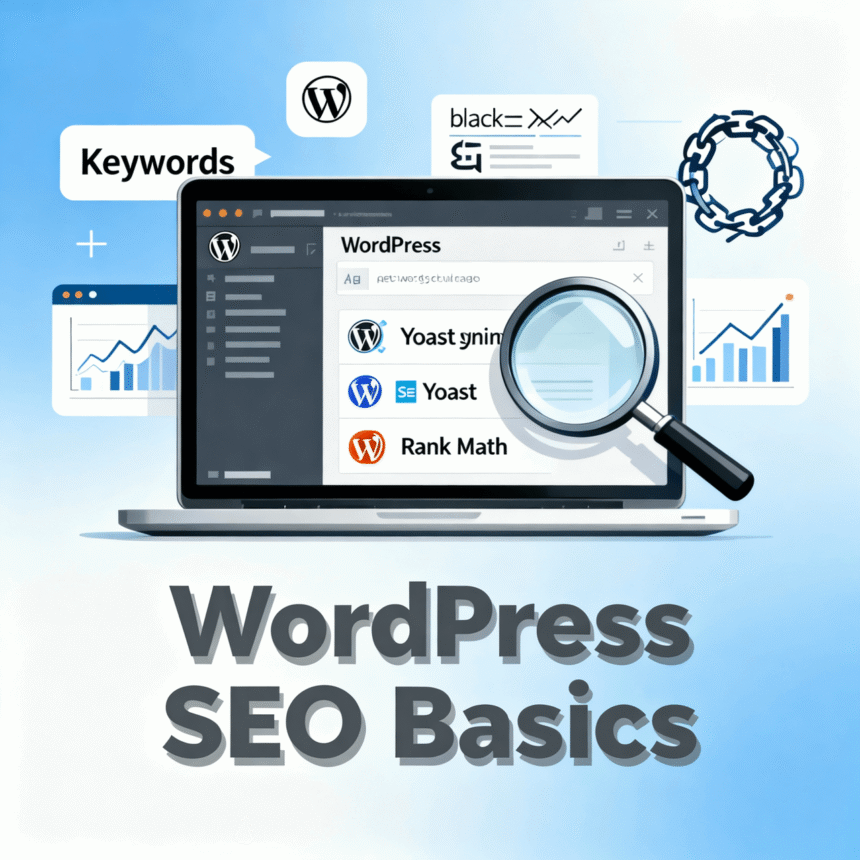
The best thing about WordPress is that you do not have to be a coder to do SEO. You can use a plugin. Popular options include Yoast SEO, Rank Math, or All in One SEO. These tools help you:
- Add titles and descriptions to your posts.
- Check if you are using your keywords enough.
- Create a sitemap for your website.
Once you install one of these, it will give you a simple checklist for every post you write.
Focus on Your Keywords
A keyword is the phrase people type into Google to find information. For this article, the keyword is “WordPress SEO Basics.”
When you write a blog post, try to include your main keyword in these places:
- The title of the post.
- The first paragraph.
- At least one sub-heading.
- The “Alt Text” of your images.
Be careful not to overdo it. Write for humans first and search engines second. If the text sounds robotic, people will leave your site quickly.
Use Headings Correctly
Search engines use headings to understand the structure of your content. WordPress makes this easy with Heading tags.
- H1: This is for your main title. You should only have one H1 per page.
- H2 and H3: Use these for sub-sections. They help break up long walls of text, which makes your post easier to read on mobile phones.
Optimize Your Images
Images make your site look good, but they can also slow it down. Large files take a long time to load. If a site is slow, Google might rank it lower.
Before you upload a photo:
- Resize it: Don’t upload a 5MB photo if it only needs to be 500KB.
- Rename it: Change the file name from
IMG_1234.jpgtowordpress-seo-tips.jpg. - Add Alt Text: In the WordPress image settings, fill out the “Alt Text” box. This helps search engines understand what is in the photo.
Link to Your Own Content
Internal linking is when you link from one page on your site to another page on your site. This helps search engines find all of your posts. It also keeps visitors on your website longer. For example, if you write a post about “How to install a theme,” you should link to it from your “WordPress SEO” post.
Summary Checklist
- Check your visibility settings.
- Set permalinks to “Post Name.”
- Install an SEO plugin like Yoast or Rank Math.
- Use headings to organize your thoughts.
- Compress your images before uploading.
By following these simple steps, you give your WordPress site a much better chance of ranking high in search results.