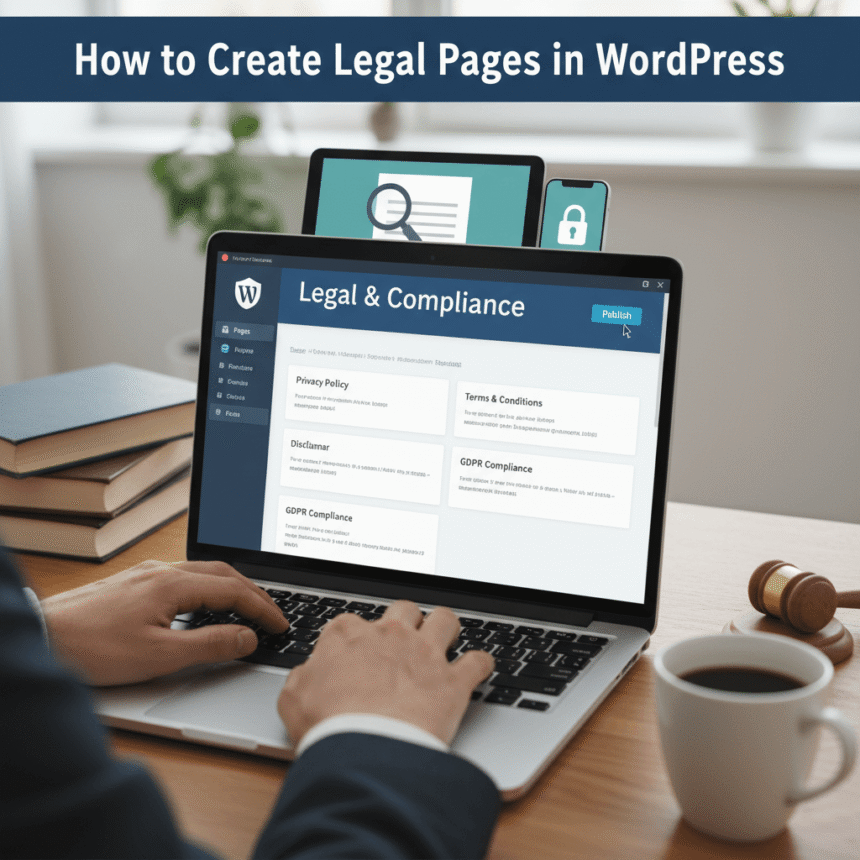

Creating a professional website involves more than just picking a pretty theme and writing great content. If you want to protect your business and follow international laws, you need to have specific legal pages on your WordPress site.
Many new website owners feel overwhelmed by legal requirements, but setting them up is easier than you might think. Here is a simple guide on how to create legal pages in WordPress to keep your site safe and trustworthy.
Why Does Your WordPress Site Need Legal Pages?
Legal pages act as a contract between you and your visitors. They serve three main purposes:
- Legal Compliance: Laws like the GDPR in Europe or the CCPA in California require you to tell users how you handle their data.
- Limiting Liability: These pages can protect you from lawsuits by explaining the limits of your responsibility regarding the information you provide.
- Building Trust: Visitors feel more comfortable sharing their email addresses or buying products if they see that your site is professional and transparent.
The Essential Legal Pages You Need
Before we look at how to create them, let’s identify the three most important documents every site should have.
1. Privacy Policy
This is the most critical page. It explains what data you collect (like names, emails, or cookies), how you use that data, and how you keep it safe. Even if you only have a simple contact form, you are collecting data and need a Privacy Policy.
2. Terms and Conditions
This page sets the rules for using your website. It covers things like copyright, user behavior, and what happens if there is a dispute. It is essentially the “house rules” for your site.
3. Disclaimer
If you give advice, sell health products, or use affiliate links, you need a disclaimer. It informs readers that your content is for informational purposes and that you are not responsible for any outcomes if they follow your advice.
How to Create Legal Pages in WordPress
There are three main ways to get these pages live on your site.
Method 1: Using the Built-in WordPress Privacy Feature
WordPress actually has a built-in tool to help you start your Privacy Policy.
- Log in to your WordPress dashboard.
- Go to Settings and then click on Privacy.
- You can either select an existing page or click Create to generate a new Privacy Policy template.
- WordPress will provide a draft with basic sections. You will need to edit this to match exactly what your specific website does.
Method 2: Using WordPress Plugins
If you want a more automated approach, there are several plugins designed to generate legal text for you. Plugins like “WP Auto Terms” or “Termly” are popular choices.
- Install the plugin: Go to Plugins > Add New and search for a legal policy generator.
- Fill out a questionnaire: These plugins usually ask you questions about your business, such as your address and whether you sell products.
- Generate and Publish: The plugin will create the text for you and often creates the page automatically.
Method 3: Using Online Generators
If you don’t want to add another plugin to your site, you can use external websites like PrivacyPolicies.com or TermsFeed. These sites walk you through a series of questions and then give you a block of text. You can simply copy this text, go to Pages > Add New in WordPress, and paste it there.
Where to Place Your Legal Pages
Once your pages are created, they shouldn’t be hidden, but they also shouldn’t clutter your main navigation menu. The best place for legal links is the Footer.
To add them to your footer:
- Go to Appearance > Menus.
- Create a new menu called “Footer Menu.”
- Add your Privacy Policy, Terms, and Disclaimer pages to this menu.
- Go to Appearance > Widgets and add a Navigation Menu widget to your Footer area, selecting the “Footer Menu” you just created.
Final Tips for Success
- Keep them updated: Laws change. Check your legal pages once a year to make sure they are still accurate.
- Use simple language: While these are legal documents, they should still be readable. Avoid using too much “legalese” if possible.
- Consult a professional: While templates and plugins are great for small blogs, if you are running a large e-commerce store or a complex business, it is always a good idea to have a lawyer review your pages.
By taking an hour to set up these pages today, you are protecting your hard work and showing your audience that you run a professional, honest website.