
Starting your first website can feel like a big challenge. Between choosing a domain and learning how to use a new platform, you do not want to worry about complicated code. WordPress is the most popular way to build a site, and the right theme makes the process much easier.
A good theme for a beginner should be easy to set up, fast to load, and look great on mobile phones. Here is a list of the top free WordPress themes that help you get a professional look without spending a cent.
1. Astra
Astra is often the first choice for many new users. It is famous for being incredibly fast and lightweight. One of the best parts about Astra is its library of Starter Templates.
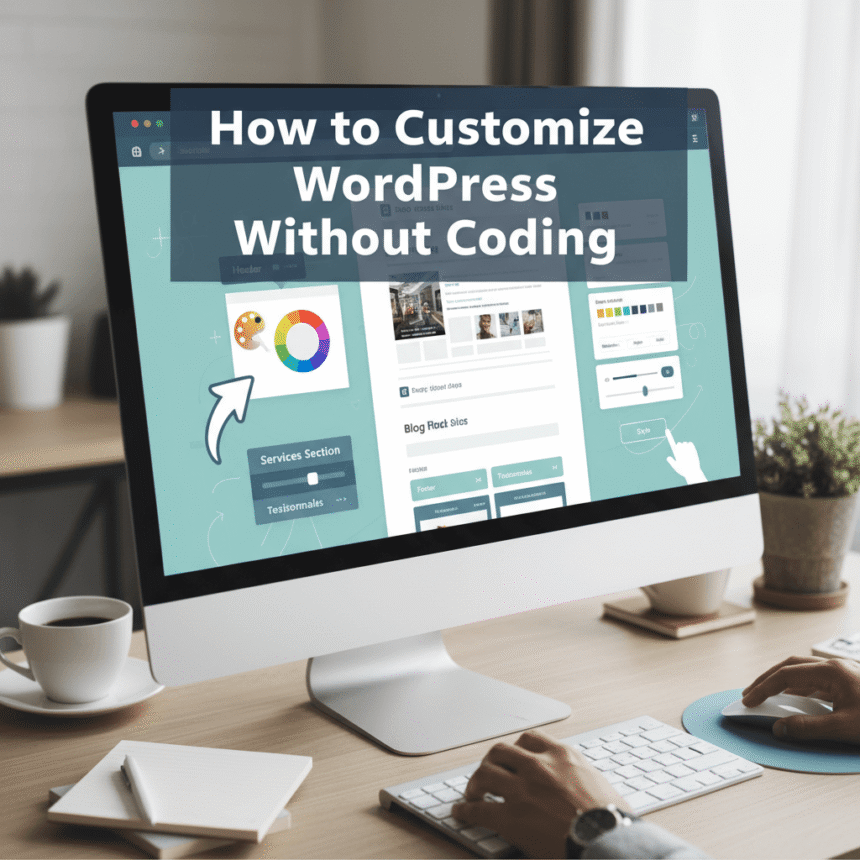
With just one click, you can import a finished design for a blog, a business site, or even a local shop. It works perfectly with popular drag and drop builders, meaning you can move pieces around on your page without ever touching a line of code.
2. Neve
If you want a website that looks modern and works fast on smartphones, Neve is a top contender. It follows a mobile first approach, which is important because most people browse the web on their phones today.
Neve is very easy to customize. It uses the standard WordPress customizer, so you can see your changes in real time as you make them. It is perfect for small businesses or personal blogs that need to load in a flash.
3. Kadence
Kadence is a newer favorite that has quickly become popular. It offers features that you usually only find in paid themes. The Header and Footer Builder is a standout tool that lets you drag and drop your logo, menu, and buttons exactly where you want them.
It also comes with built in speed optimization. This helps your site perform well in search results, which is key for getting more visitors.
4. OceanWP
OceanWP is a highly flexible theme. While it is beginner friendly, it also offers a lot of depth as you grow. It is particularly good if you plan to sell products online in the future.
It has great integration with e-commerce tools, making it simple to set up a shop. You can choose from many free demos to get started, covering everything from travel blogs to professional portfolios.
5. Blocksy
Blocksy is built to work with the modern WordPress block editor. It is very fast and uses the latest technology to make your site look crisp. The options menu is organized very well, so you will not feel lost looking for settings.
It also includes “Starter Sites” which are pre-made websites you can use as a base. Blocksy is a great choice if you want a clean, professional look with minimal effort.
6. Sydney
Sydney is an excellent choice for anyone building a business or agency website. It has a professional feel with a large header area that can include an image or a slider.
It provides all the construction blocks you need to show off your services, your team, and your best work. It is easy to use and helps your brand look established from day one.
How to Choose the Best One for You
When picking your theme, keep these three tips in mind:
- Check the Speed: A slow site frustrates visitors. Stick to lightweight themes like the ones listed above.
- Look at the Demos: Most of these themes have “Starter Sites.” Pick the one that has a demo closest to what you want.
- Mobile Readiness: Always check how your site looks on a phone before you finish.
Choosing any of these free themes will give you a solid foundation. You can always start simple and add more features as you become more comfortable with WordPress.