

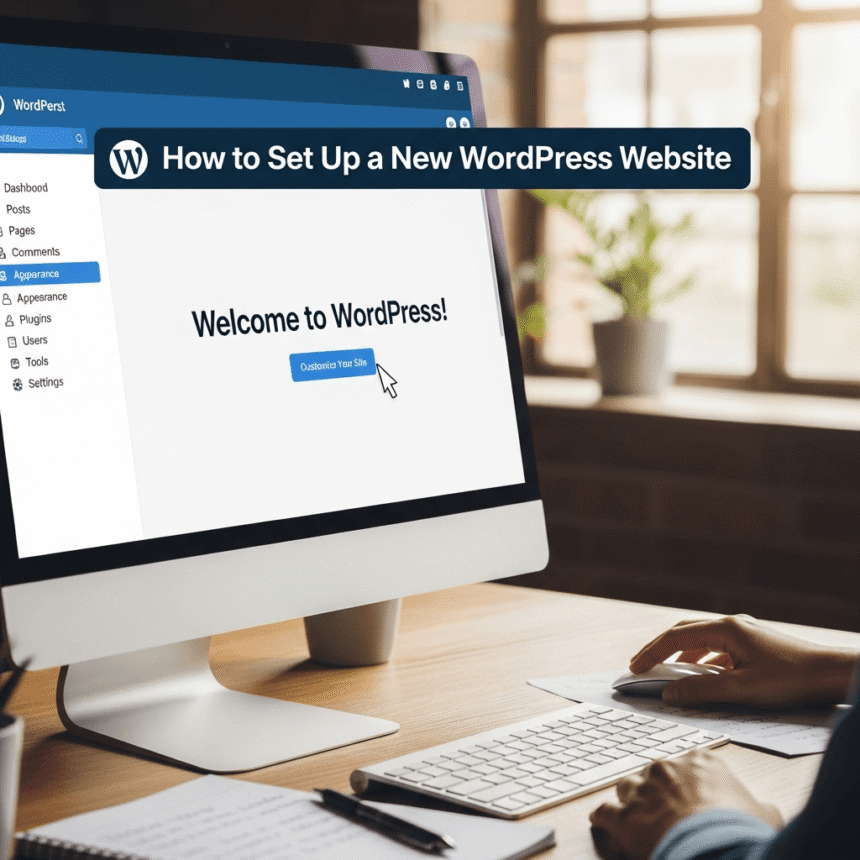

Starting a website can feel like a big challenge, but WordPress makes the process much easier. Whether you want to start a personal blog or a business site, this guide will walk you through every step of the journey.
1. Choose a Domain Name and Hosting
The first thing you need is a home for your website.
- Domain Name: This is your website address (like www.yourname.com). Try to keep it short, easy to spell, and easy to remember.
- Web Hosting: This is the service that stores your website files and makes them available on the internet.
Many hosting companies offer a “one click install” for WordPress, which saves you a lot of time. Look for a provider that offers good speed and reliable customer support.
2. Install WordPress
Once you have your hosting account, look for the WordPress icon in your control panel. Most modern hosts have an automated installer. You just need to choose a username and a strong password. After you click install, your website will be live in just a few minutes.
3. Pick a Theme
The theme controls how your website looks. When you first log in to your WordPress dashboard, you will see a default theme. You can change this by going to Appearance > Themes.
- Free Themes: There are thousands of free themes in the WordPress directory. They are great for beginners.
- Premium Themes: These usually cost money but come with more features and better support.
Choose a theme that is “responsive,” which means it looks good on both computers and mobile phones.
4. Install Essential Plugins
Plugins are like apps for your website. They add new features without requiring you to write any code. Here are a few you should consider:
- Security Plugin: To keep hackers away.
- SEO Plugin: To help people find your site on search engines.
- Caching Plugin: To make your website load faster.
- Contact Form: So your readers can send you messages easily.
To add these, go to Plugins > Add New in your dashboard.
5. Create Your Main Pages
Before you start writing blog posts, you should set up a few basic pages:
- Home Page: The first page people see.
- About Page: Tell your story and explain what your site is about.
- Contact Page: Give people a way to reach out to you.
You can create these by going to Pages > Add New.
6. Configure Your Settings
Take a moment to look at the Settings menu. One important area is the Permalinks section. Change this to “Post Name” so that your website links look clean and professional (for example: yoursite.com/how-to-setup).
7. Start Creating Content
Now that the technical part is done, you can start writing. Go to Posts > Add New to write your first article. Use clear headings and short paragraphs to make your writing easy to read.
Setting up a WordPress site is a rewarding experience. It gives you a place to share your ideas with the whole world. Take it one step at a time, and don’t be afraid to experiment with different looks and features.




✅